How to view a list of companies
Overview
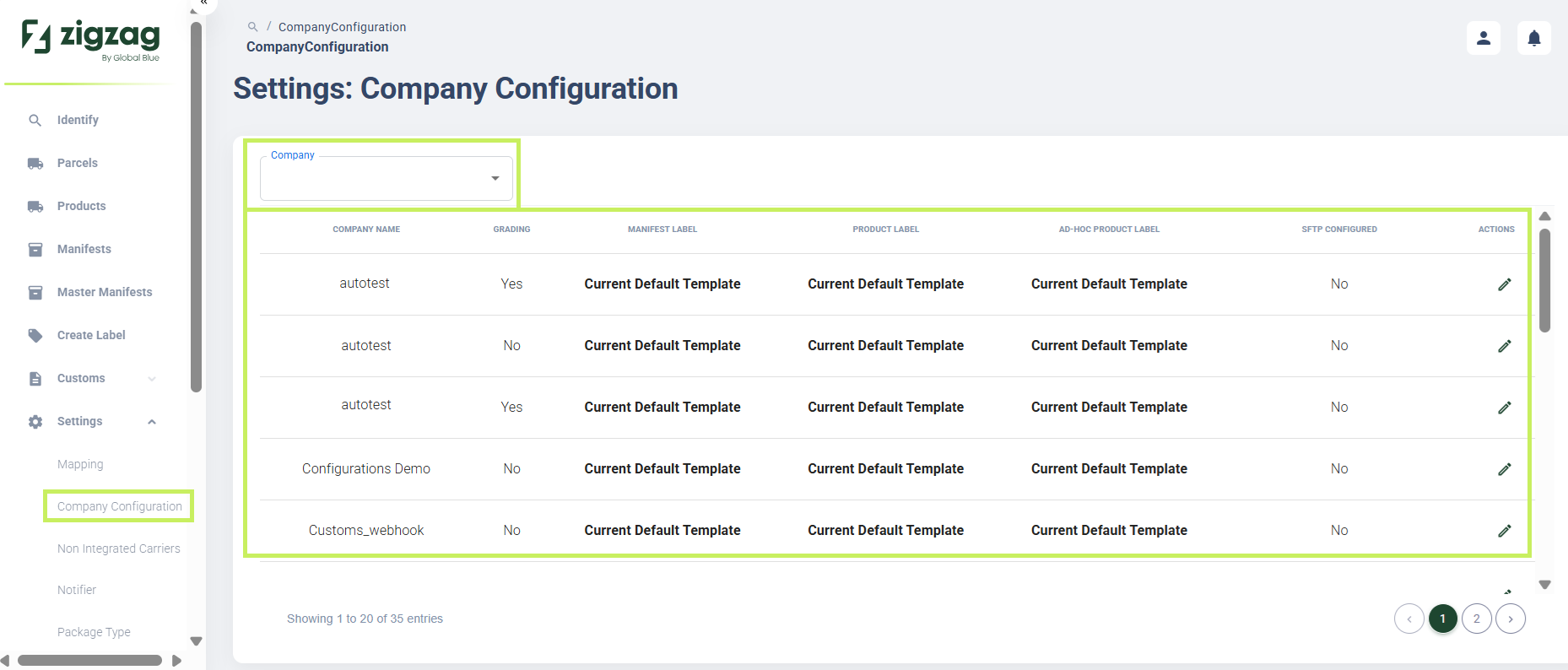
RMS makes it easy for you to quickly access and review the companies configured within your environment. With the appropriate warehouse‑level permissions, you can view a structured list of all grading companies associated with your warehouse. This streamlined layout provides immediate visibility into each company, supporting operational clarity and ensuring your team can efficiently manage and verify the organisations tied to your returns workflows.
How to view a list of companies
- Log in to Returns Management System (RMS).
- On the sidebar menu, click Settings. A dropdown list of setting properties appears below Settings.
- Click Company Configuration. The Settings: Company Configuration page appears on the right. Here you can view the list of grading companies.
- You can filter the list by a Company filter to view a specific company.