How to delete a grade for a comapny
Overview
Deleting a grade in RMS is a straightforward action that helps keep a company’s grading structure clean and up to date. You can permanently remove the grade from the company’s grading list to maintain accurate grading options and prevent outdated or unused grades from appearing in operational workflows.
How to delete a grade for a company
- Log in to Returns Management System (RMS).
- On the sidebar menu, click Settings. A dropdown list of setting properties appears below Settings.
- Click Company Configuration. The Settings: Company Configuration page appears on the right.
- In the companies list table, click the Edit (Pen) icon for the company for which you want to delete a grade.
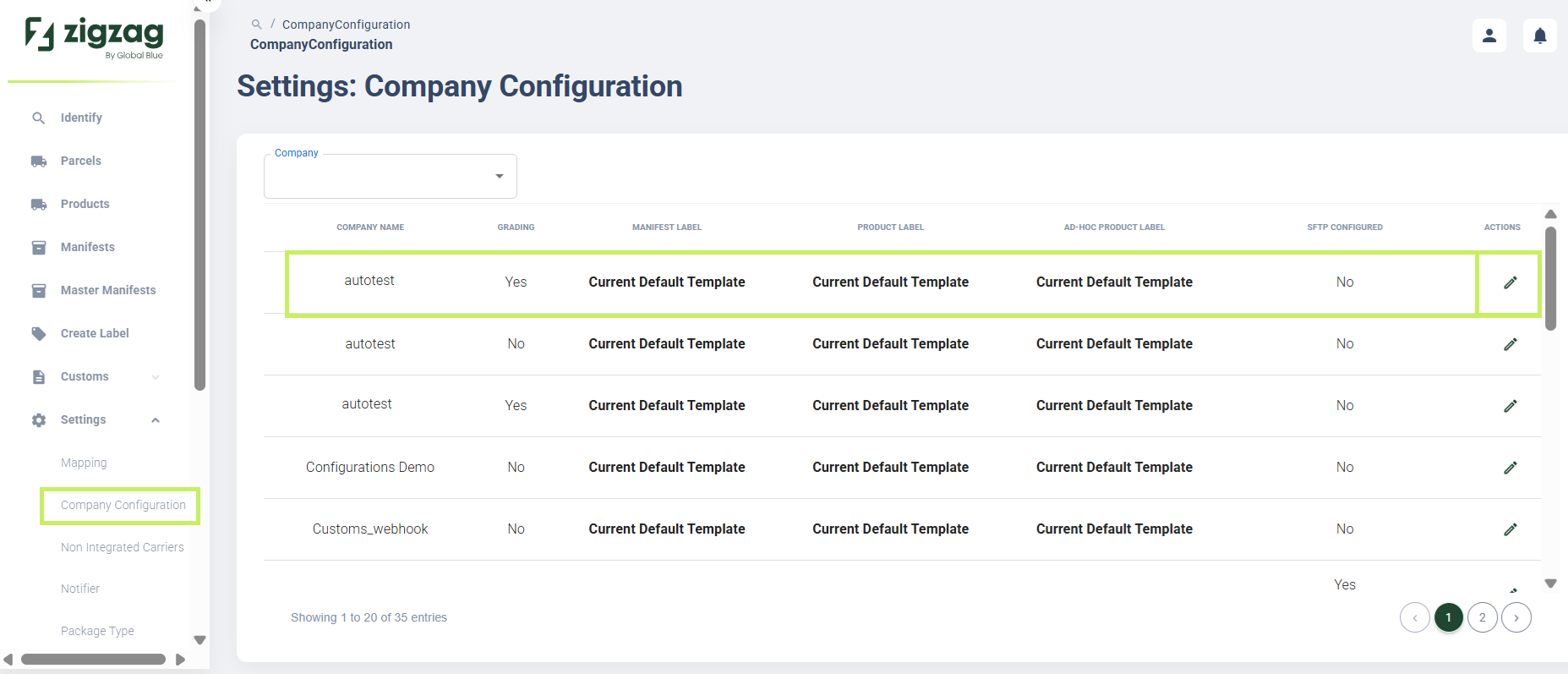
The company page apppears.
5. Select the Grading tab. The Company grading page appears.
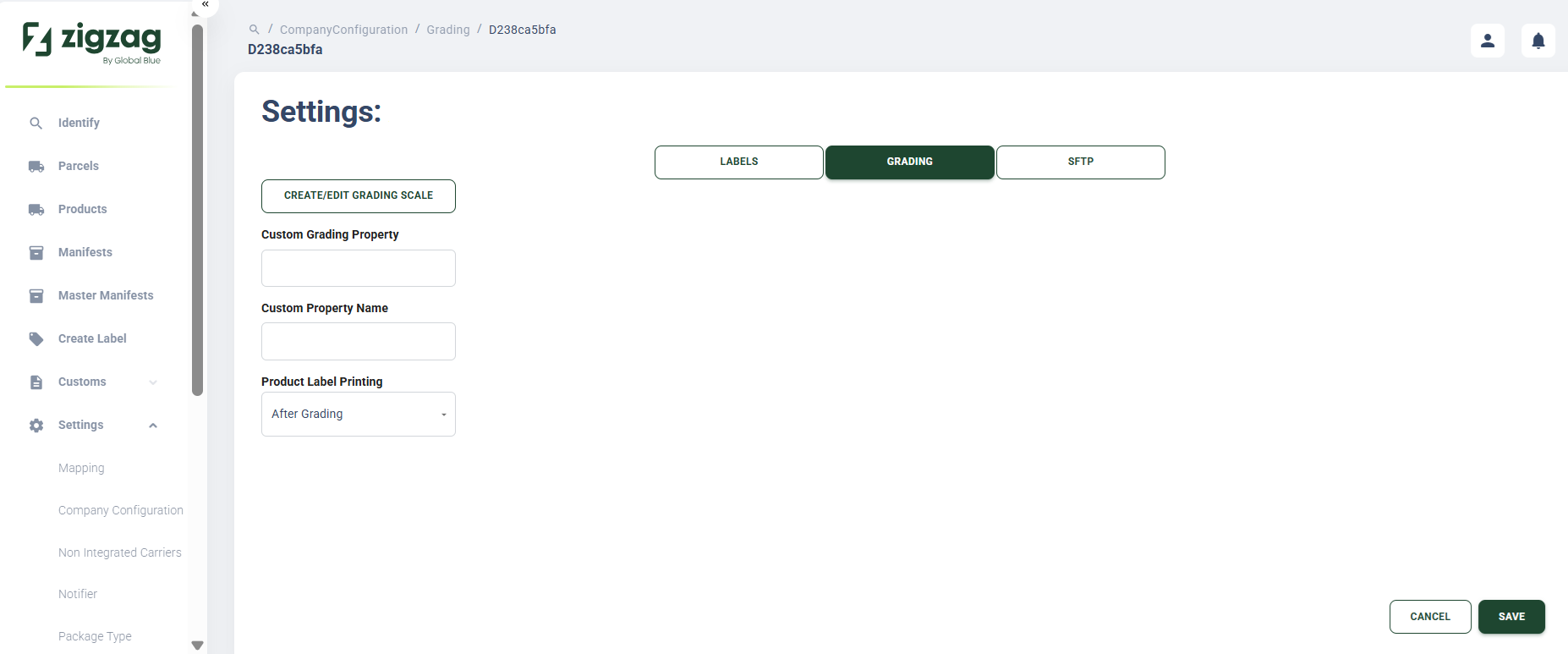
- On the Company grading page, click Create/Edit grading scale button.
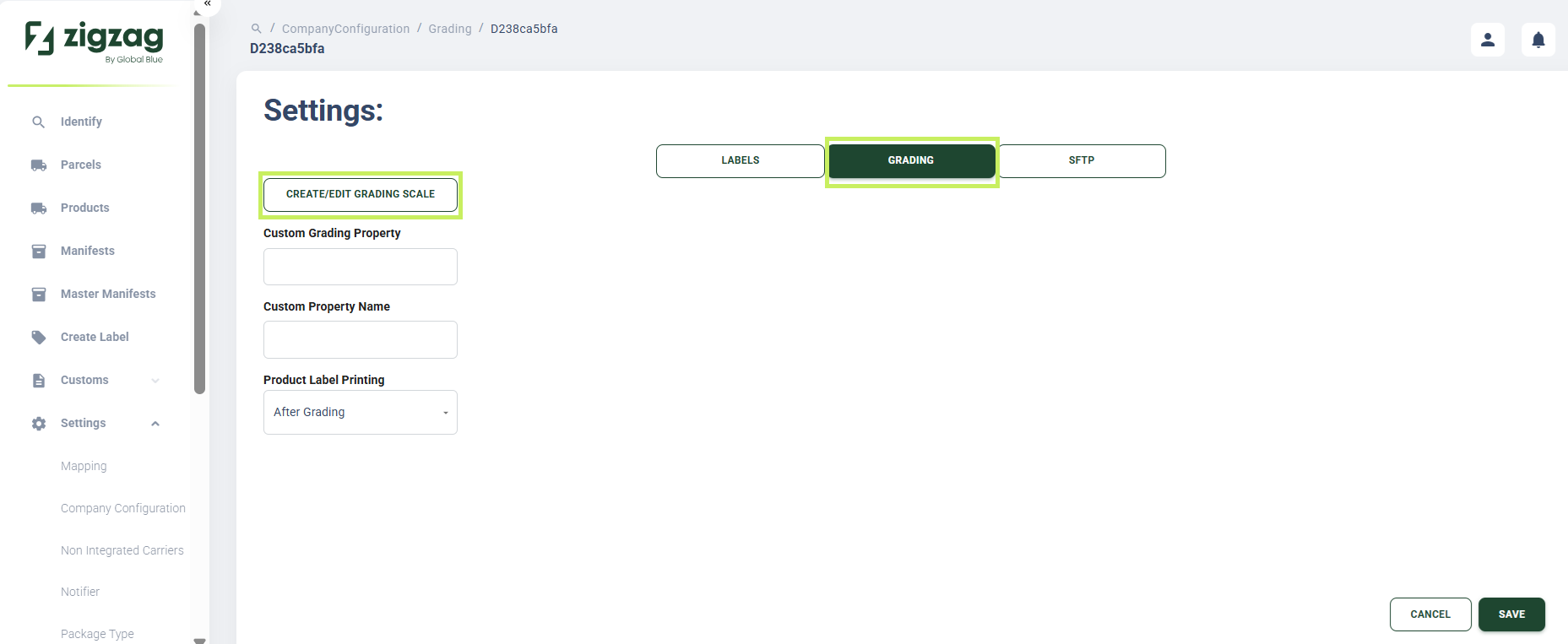
The Settings: Grading page appears.
7. In the Company grading scales list table, select the grading scale you want to delete and click the Delete (Bin) icon.
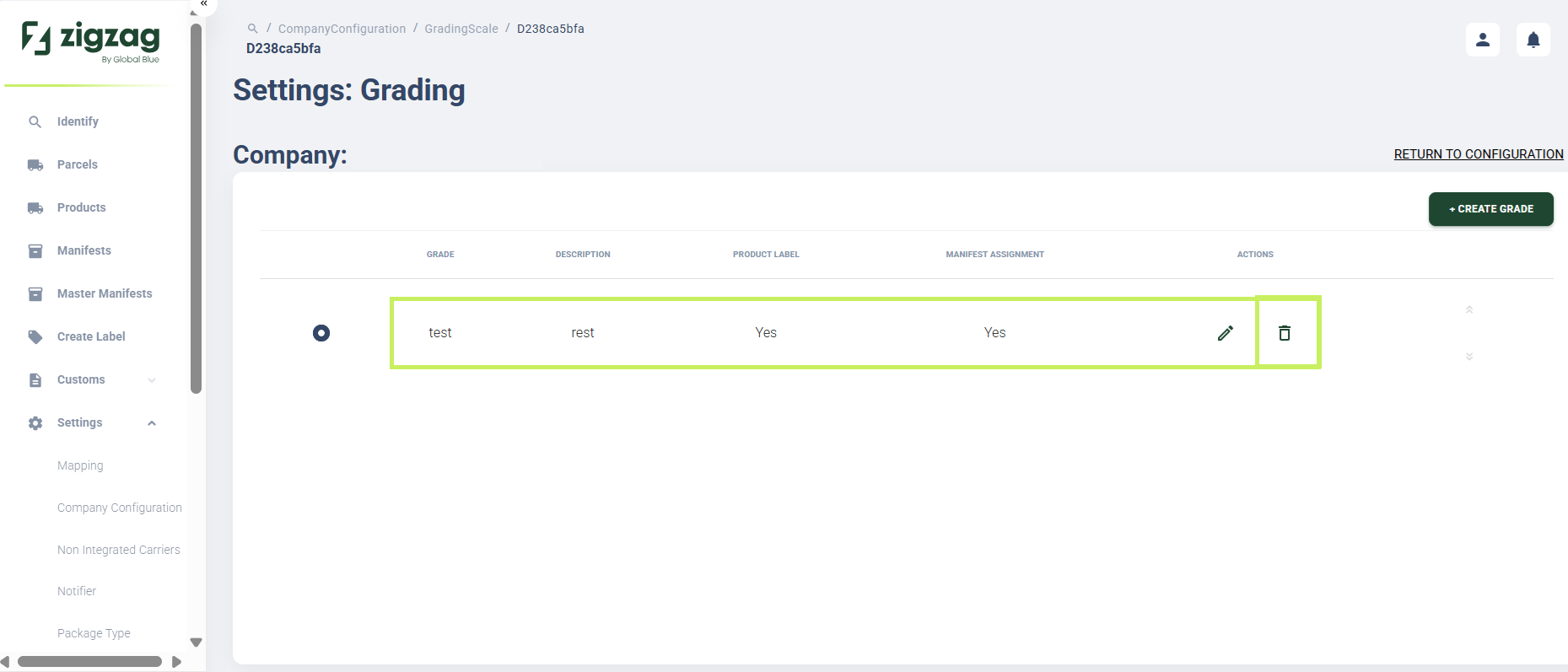
A deletion confirmation dialog window appears.
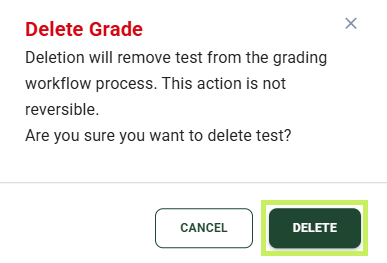
- Click Delete to confirm the deletion of the grade.