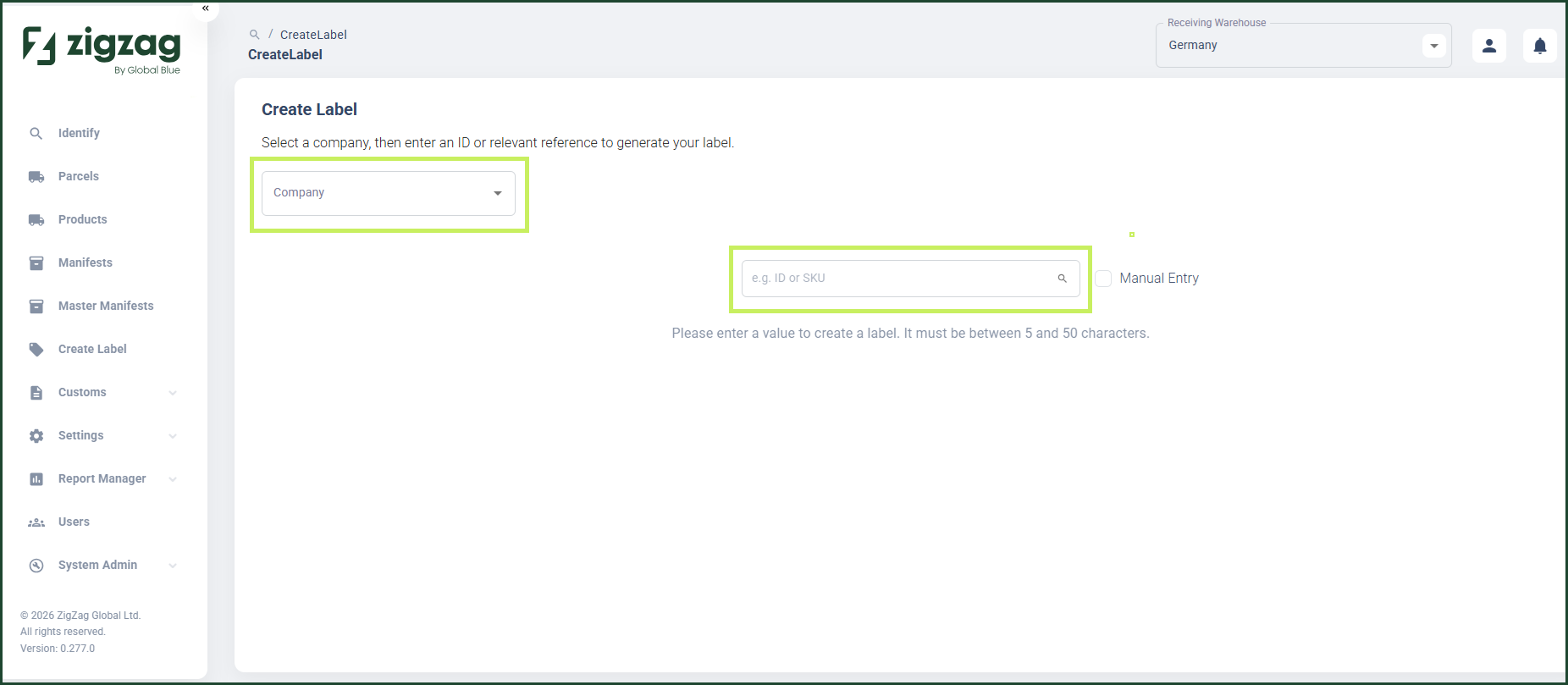
Create Label
Overview
The Create Label page in RMS provides a fast and flexible way for you to generate product labels using live inventory data. You can simply select a label template, enter or scan a SKU or GTIN, and RMS automatically retrieves the corresponding product details to generate an accurate label. This feature enables quick, on‑demand label creation while maintaining consistency, accuracy, and streamlined workflows across environments.
How to create a label
- Log in to Returns Management System (RMS).
- On the sidebar menu, click Create Label. The Create Label page appears on the right.
- In the Create Label page, from the Company dropdown menu field, select the company for which you want to create a label.
- In the search field, enter or scan a product ID (SKU or GTIN).
The label is automatically generated and printed using the label template settings.