How to delete a warehouse position
Overview
Deleting a warehouse position in RMS allows your team to keep routing rules clean, accurate, and aligned with current operational needs. You can remove positions that are no longer required, ensuring only valid routing paths remain active. This helps prevent misrouted parcels, reduces manual corrections, and supports a more efficient returns workflow.
How to delete a warehouse position
- Log in to Returns Management System (RMS).
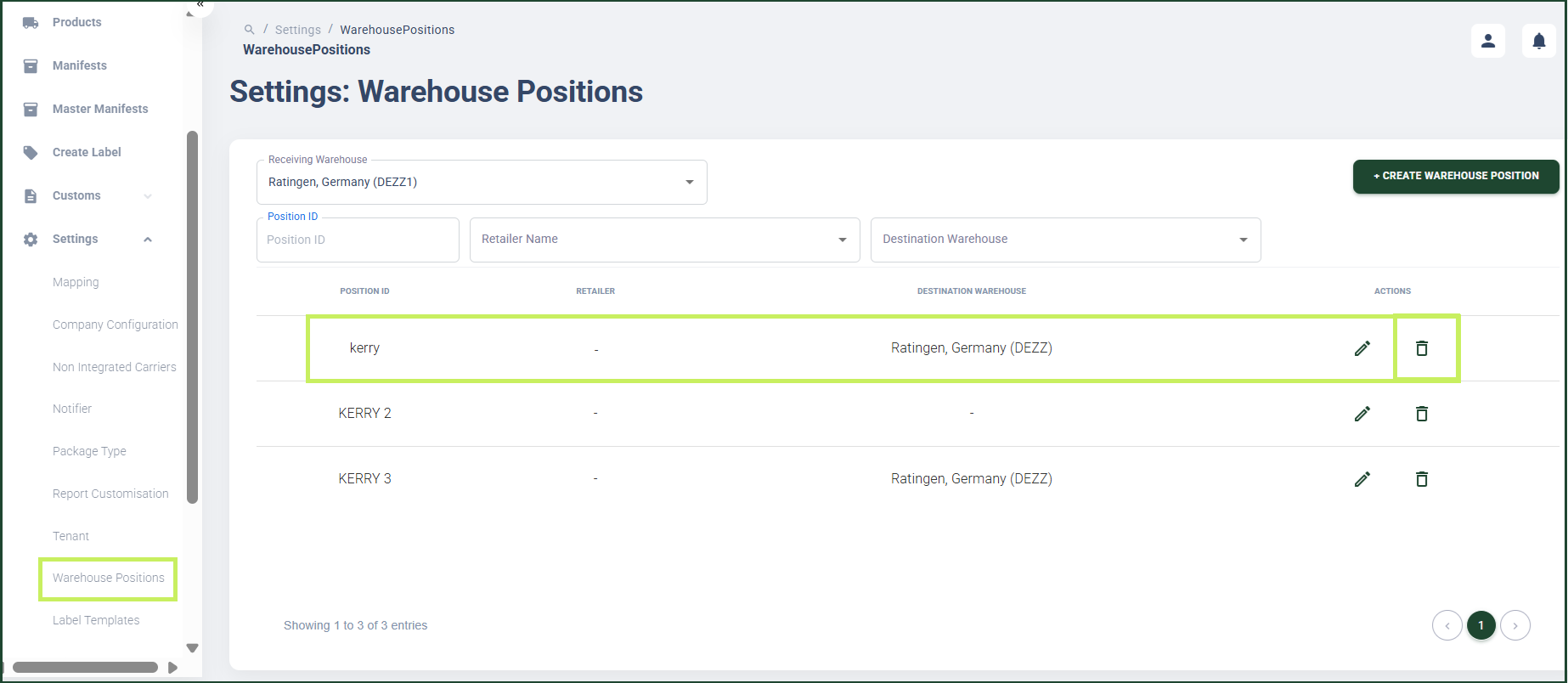
- On the sidebar menu, click Settings. A dropdown list of setting properties appears below Settings.
- Click Warehouse Positions. The Settings: Warehouse Positions page appears on the right.
- Click the Delete (Bin) icon for the position you want to delete.
A Confirmation dialog window appears.
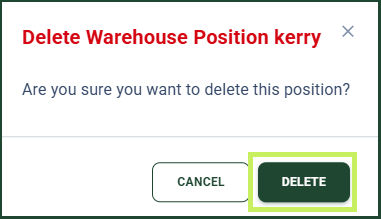
- Click Delete to confirm the deletion of the warehouse position.