How to view package types
Overview
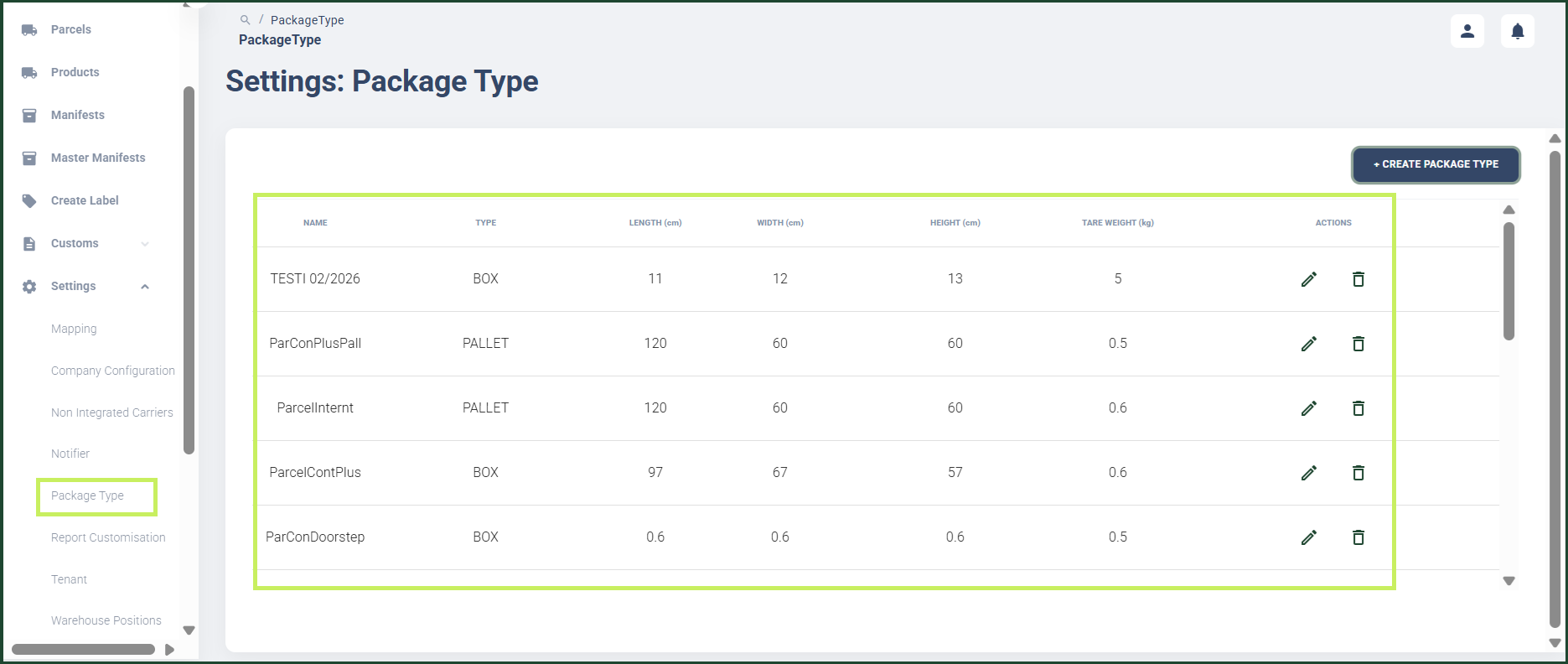
RMS makes it easy for you to view all configured package types in one place, ensuring clear visibility and consistent handling of parcels. You can quickly access a complete list of package types along with their dimensions, helping you verify the correct packaging standards for returns processing. This straightforward overview supports accuracy, improves operational efficiency, and ensures your warehouse is always aligned with the correct parcel classifications.
How to view package types
- Log in to Returns Management System (RMS).
- On the sidebar menu, click Settings. A dropdown list of setting properties appears below Settings.
- Click Package Type. The Settings: Package Type page appears on the right. Here you can view the list of package types created for the warehouse with their dimensions.