How to delete a package type
Overview
RMS gives you the flexibility to remove package types that are no longer needed, helping keep parcel classifications clean, accurate, and aligned with current operations. You can quickly delete outdated or unused package types, ensuring that only relevant packaging standards remain in use. This streamlined management helps maintain clarity across workflows and supports efficient, error‑free returns processing.
How to delete a package type
- Log in to Returns Management System (RMS).
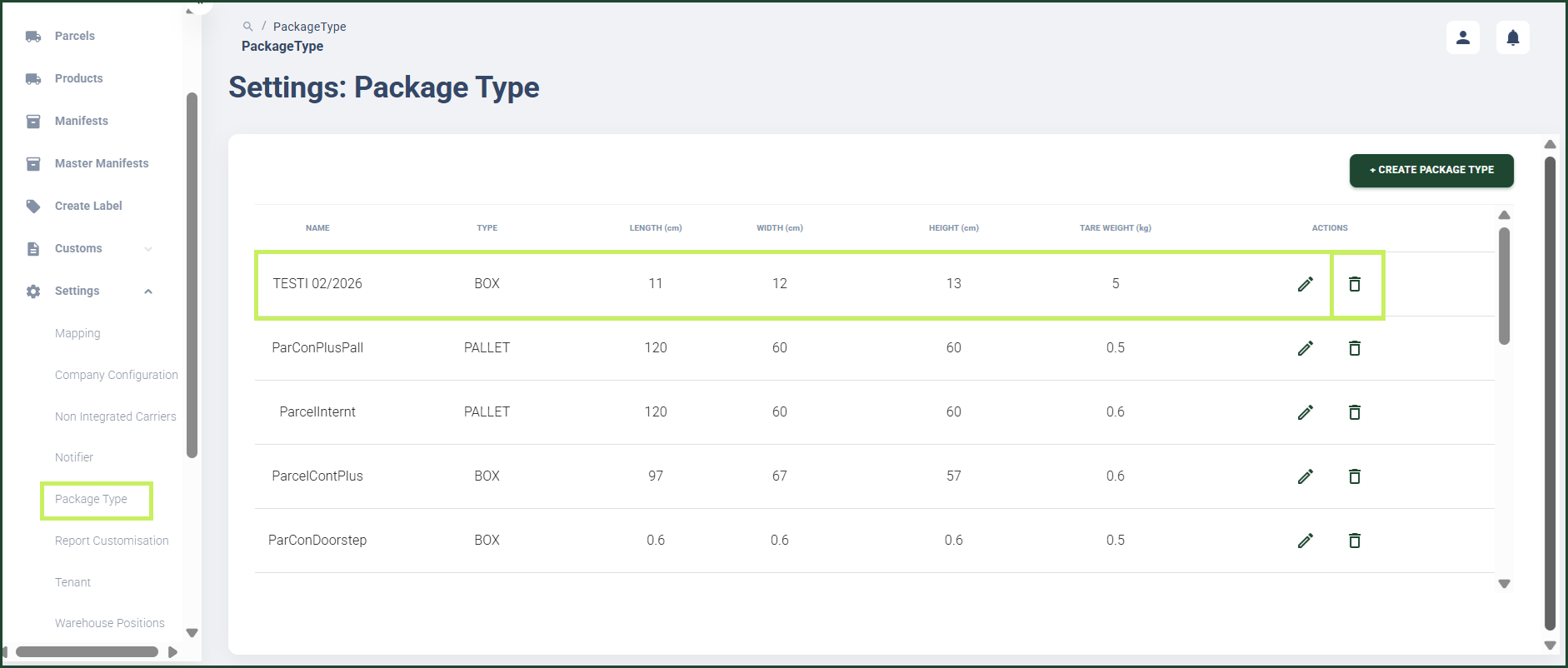
- On the sidebar menu, click Settings. A dropdown list of setting properties appears below Settings.
- Click Package Type. The Settings: Package Type page appears on the right.
- On the Settings: Package Type page, click the Delete (Bin) icon for the package type you want to delete.
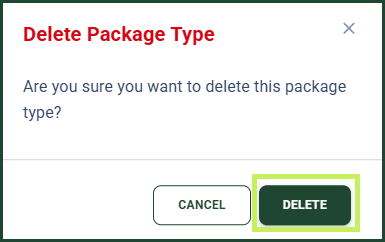
A confirmation dialog window appears.
5. Click Delete to confirm the deletion of the package type.