How to search for manifests
Overview
RMS makes it easy to find and manage manifests using powerful search and filtering tools. From the Manifests list, you can quickly locate specific records by applying filters such as company, destination warehouse, status, and date ranges, helping you narrow down large datasets with precision. Search criteria are retained as you navigate the platform, allowing you to move between pages without losing your place. These capabilities ensure fast access to the right manifests, supporting efficient day‑to‑day warehouse and returns operations.
How to search for manifests
- Log in to Returns Management System (RMS).
- On the sidebar menu, click Manifests. The Manifest List page appears on the right.
- On the Manifest List page, you can filter and search for manifests based on the following criteria:
- Status
- Status Date
- Destination Warehouse
- Company
- Grade
- Date Opened
- Date Closed
- Manifest ID
- Manifest Reference
- Master Manifest ID
- Parcel Tracking ID
- Carrier Tracking ID
- Carriage Reference
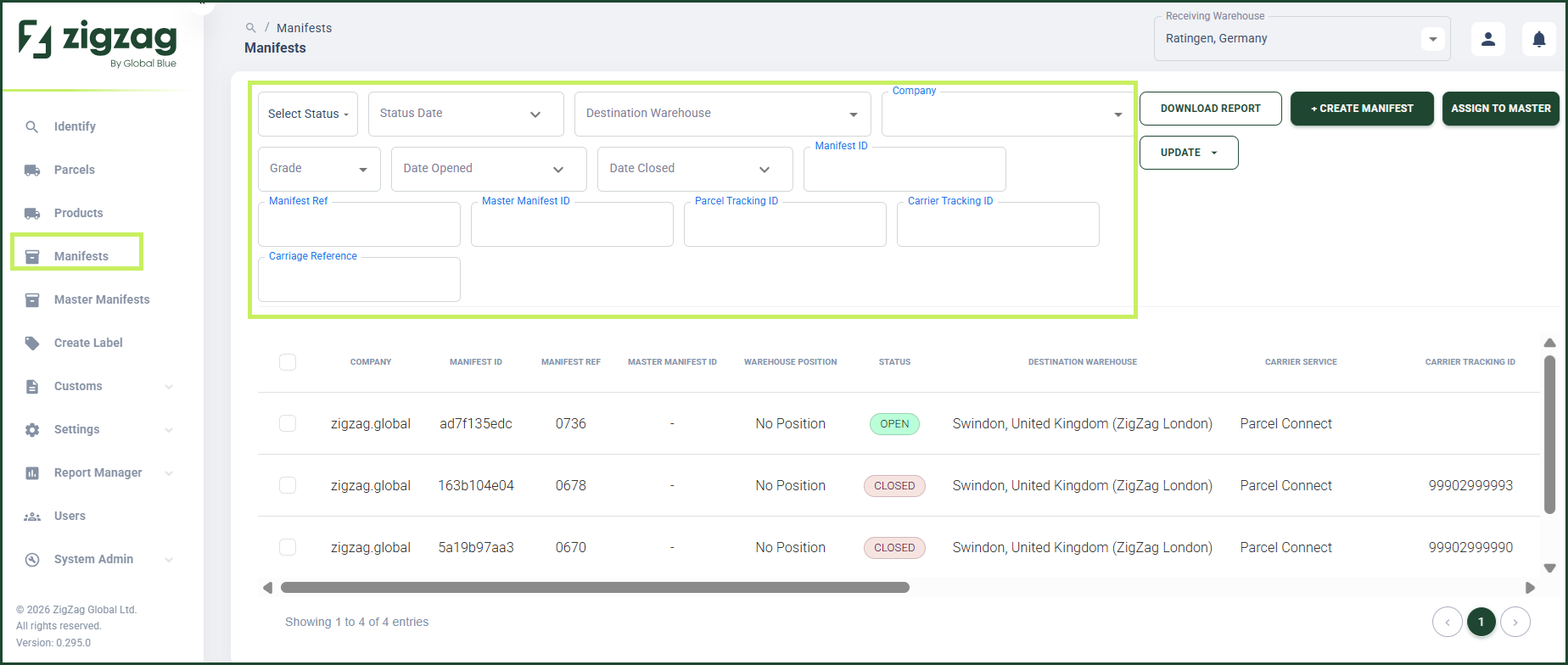
- After you apply the filters, the Manifest list table updates based on your selected criteria.
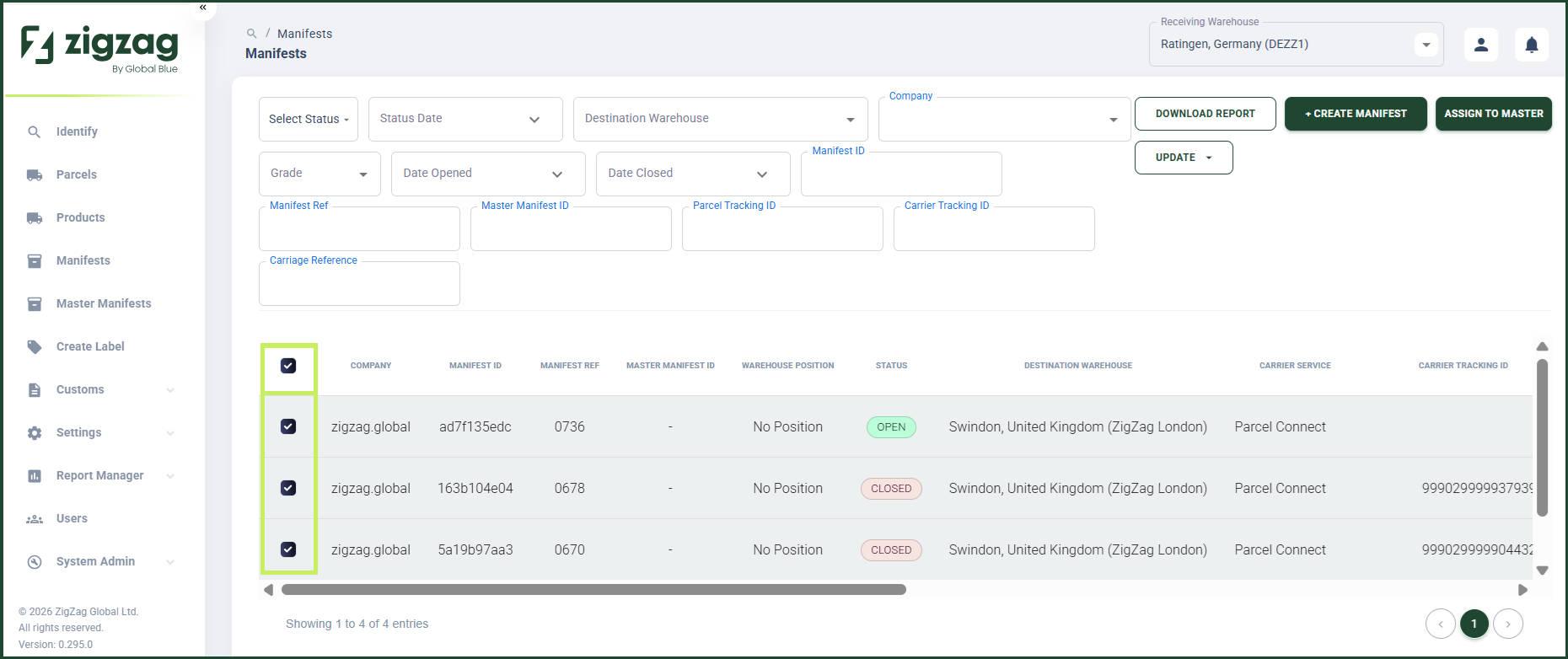
- You can also select all the results from your search via the "Select All" checkbox on the top left corner of the table.