Delete Users
Overview
The Users & Permissions Management feature of Retailer Hub gives you full control over the access and roles of the platform users.
This page will guide you through the process of deleting users.
How to remove a user's access
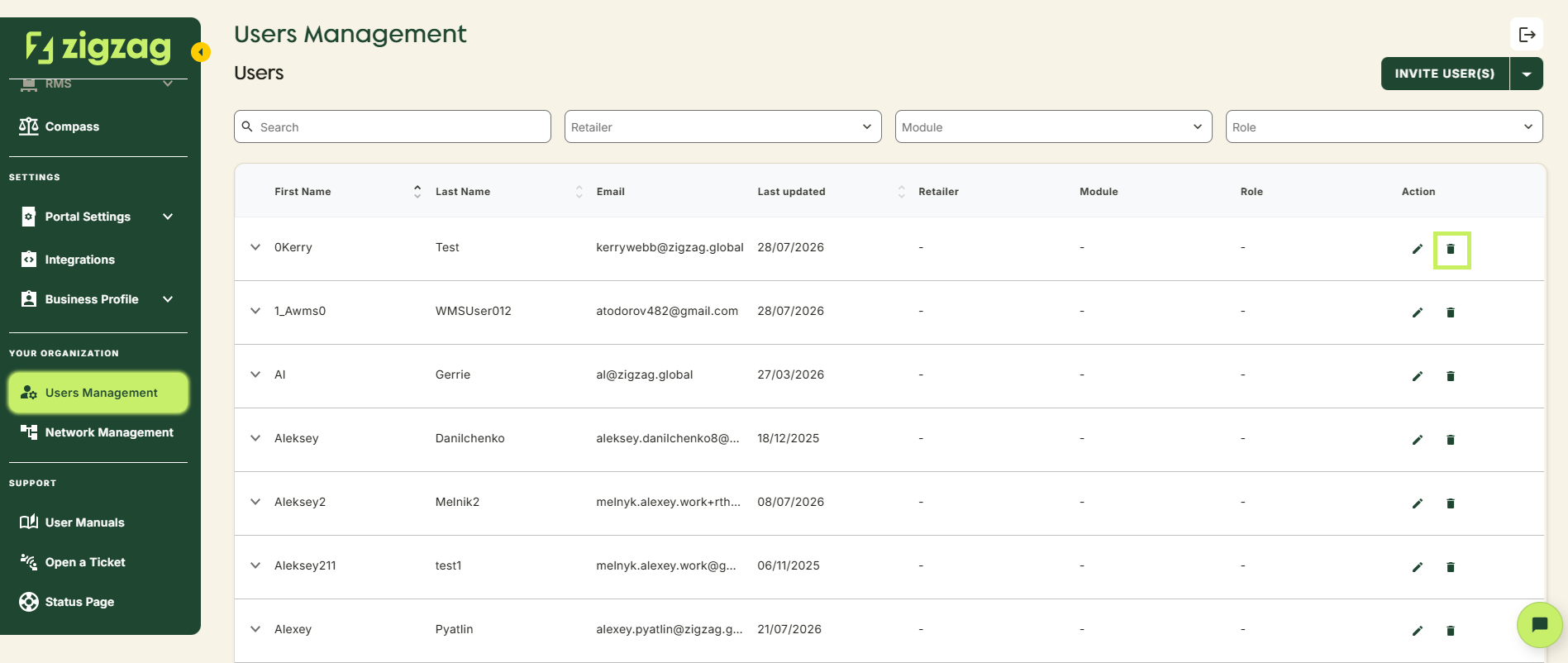
- Click the delete icon, next to the user
- Confirm the action in the pop-up
- The user will immediately lose access to Retailer Hub
Coming Soon
Retailer Hub is constantly evolving based on feedback. These core pages give your teams the foundation to support returns quickly and clearly, with the connected data across the board!