Navigation Basics
Overview
The navigation menu acts as your central access point for the most important areas of the Retailer Hub.
How it works
- ZigZag Logo - It is your Home button - always gets you back to where the core return management happens
- Expand/Collapse Menu - Tailor your workspace - collapse it for more screen space or expand it for easier navigation
- Manage Returns - This is where all the return activity takes place:
- Search and filter returns
- Change return status
- View tracking and customer details
- Create manual returns
- Review product return specifications
- Reporting Hub - Analyse return trends and customer behaviour
Reporting Hub menu item is only visible to users who have permission for it.
- RMS - Manage warehouse operations efficiently
- Portal Settings - Manage your returns portal
- Integrations Hub - Explore how Retailer Hub can connect with other tools and systems
- Business Profile - Manage your company’s essential information
- Users Management - Manage the users of the platform within your organisation
- User Manual - Get help, learn about new features, and explore best practices
- Open Ticket - Quickly connect with our support team if you are experiencing any issues
- Status Page - Gives you real-time visibility into the operation health of Retailer Hub
This menu is part of our ongoing effort to improve usability and reduce the time it takes for you to manage returns.
Cookies Use and Policy
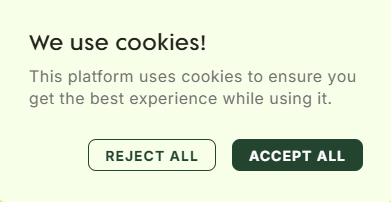
Retailer Hub uses cookies to ensure you have the best possible experience. The platform starts collecting analytics data only after your explicit agreement via the Cookies pop-up dialog.
If you'd like to know more about how we use cookies as a company, see ZigZag Global Cookie Policy.
Retailer Hub is constantly evolving based on feedback. These core pages give your teams the foundation to support returns quickly and clearly, with the connected data across the board!