Add/Invite users
Overview
The Users & Permissions Management feature of Retailer Hub gives you full control over the access and roles of the platform users.
This page will guide you through the process of adding/inviting users and assigning them the appropriate roles.
How to add a user
-
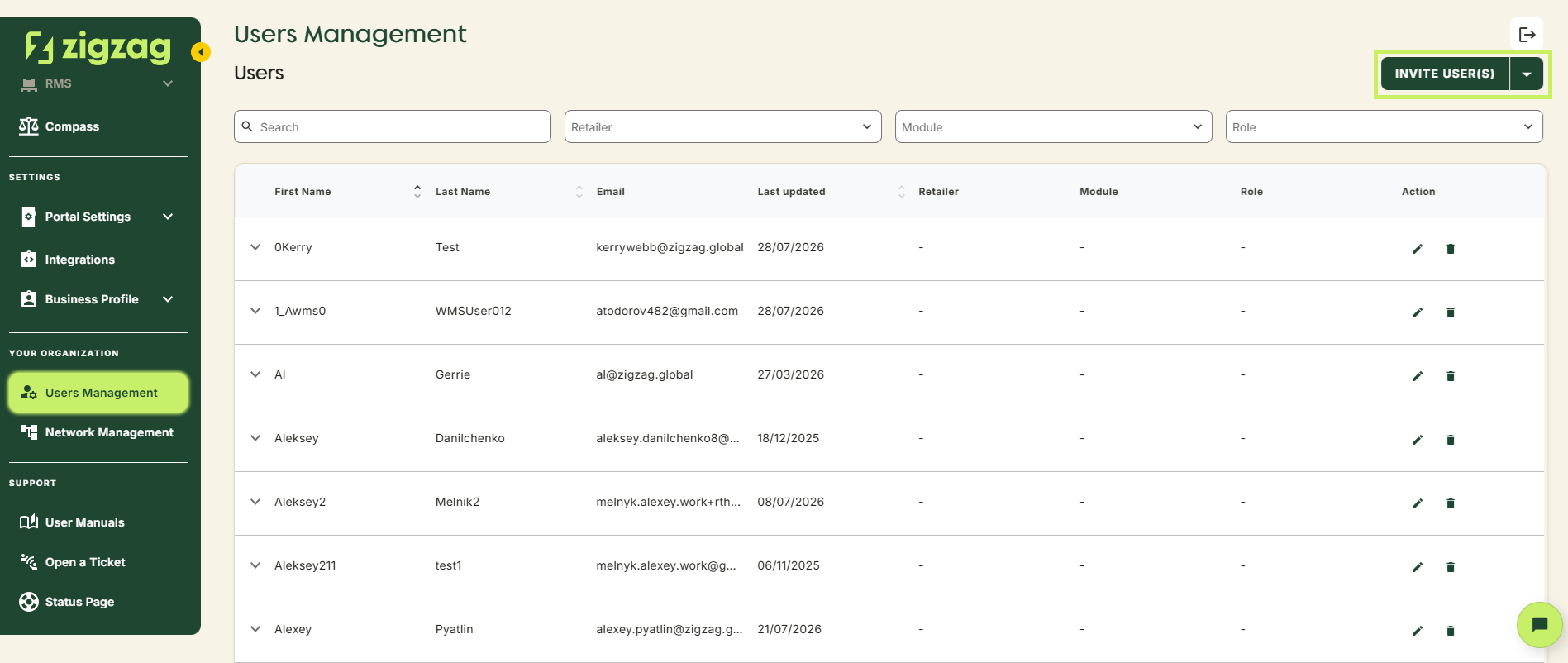
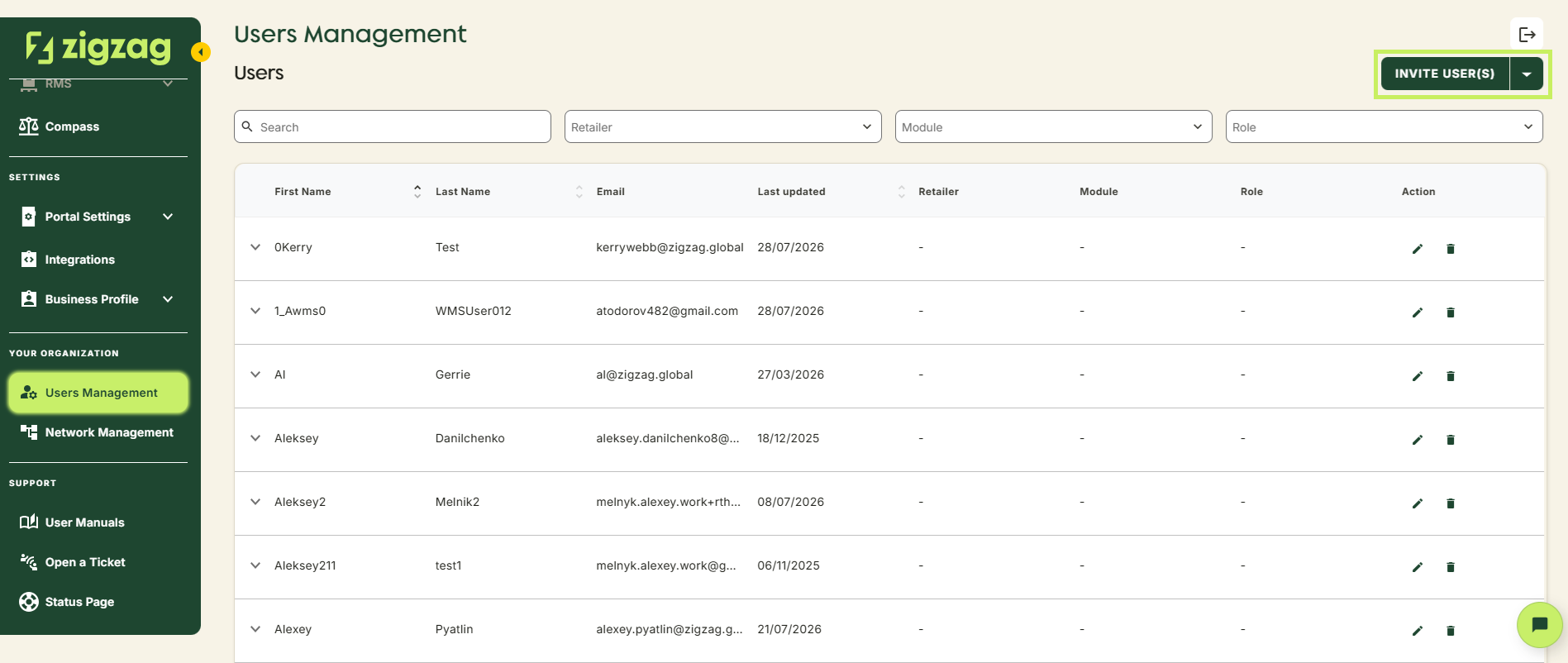
Click "Invite User(s)" in the top-right corner of the page
-
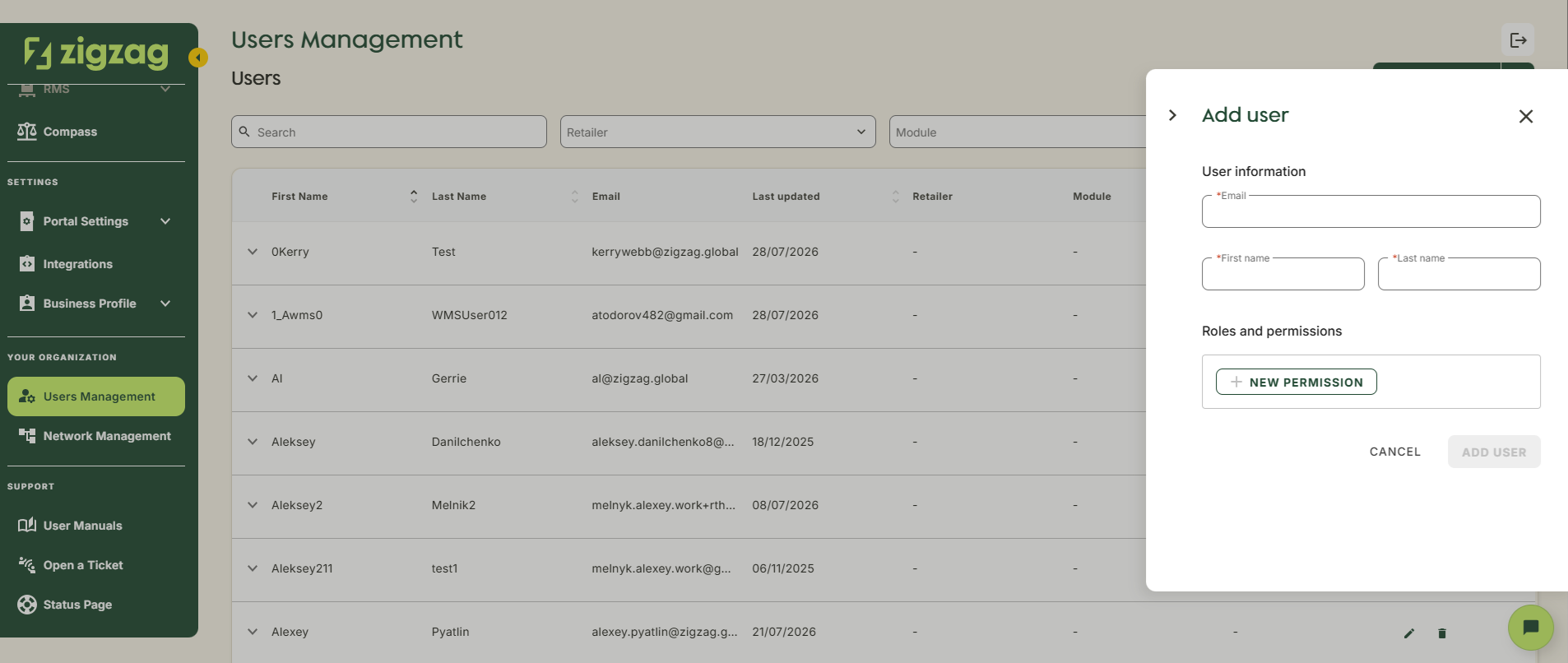
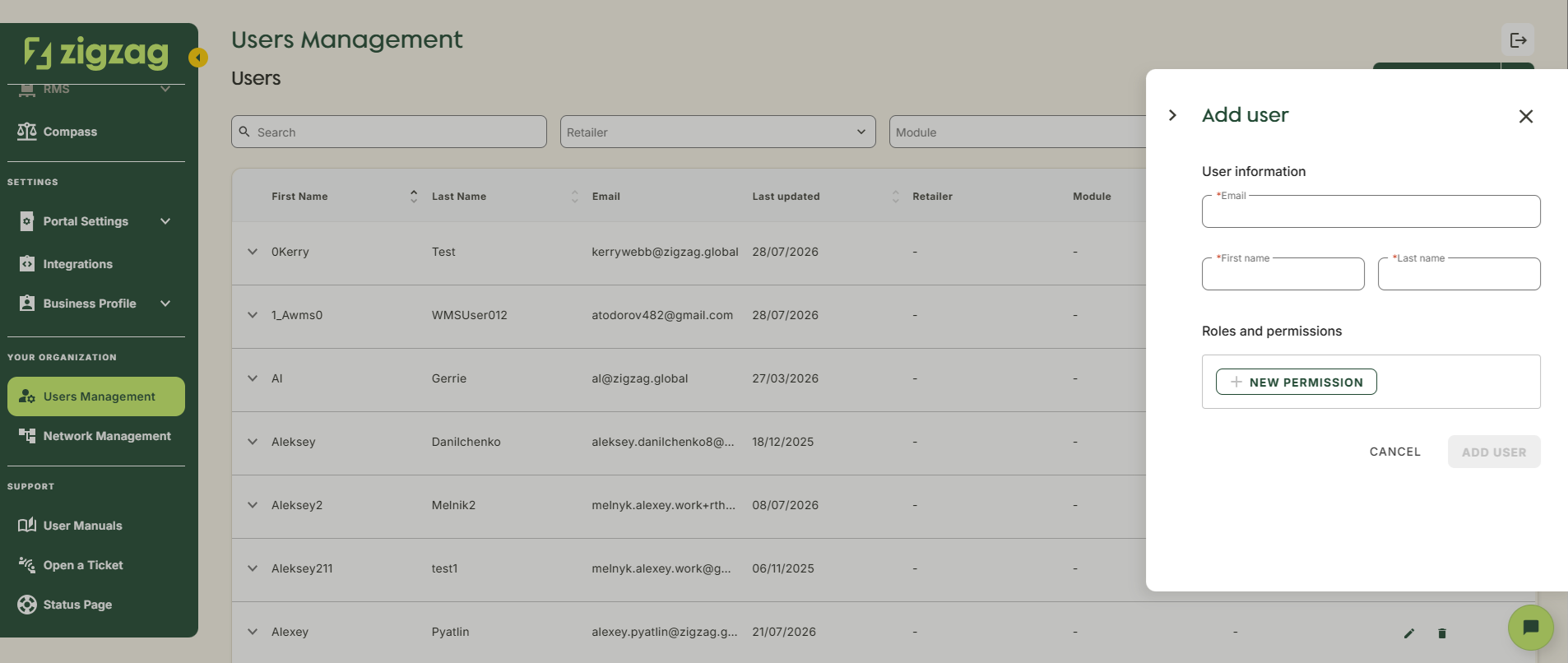
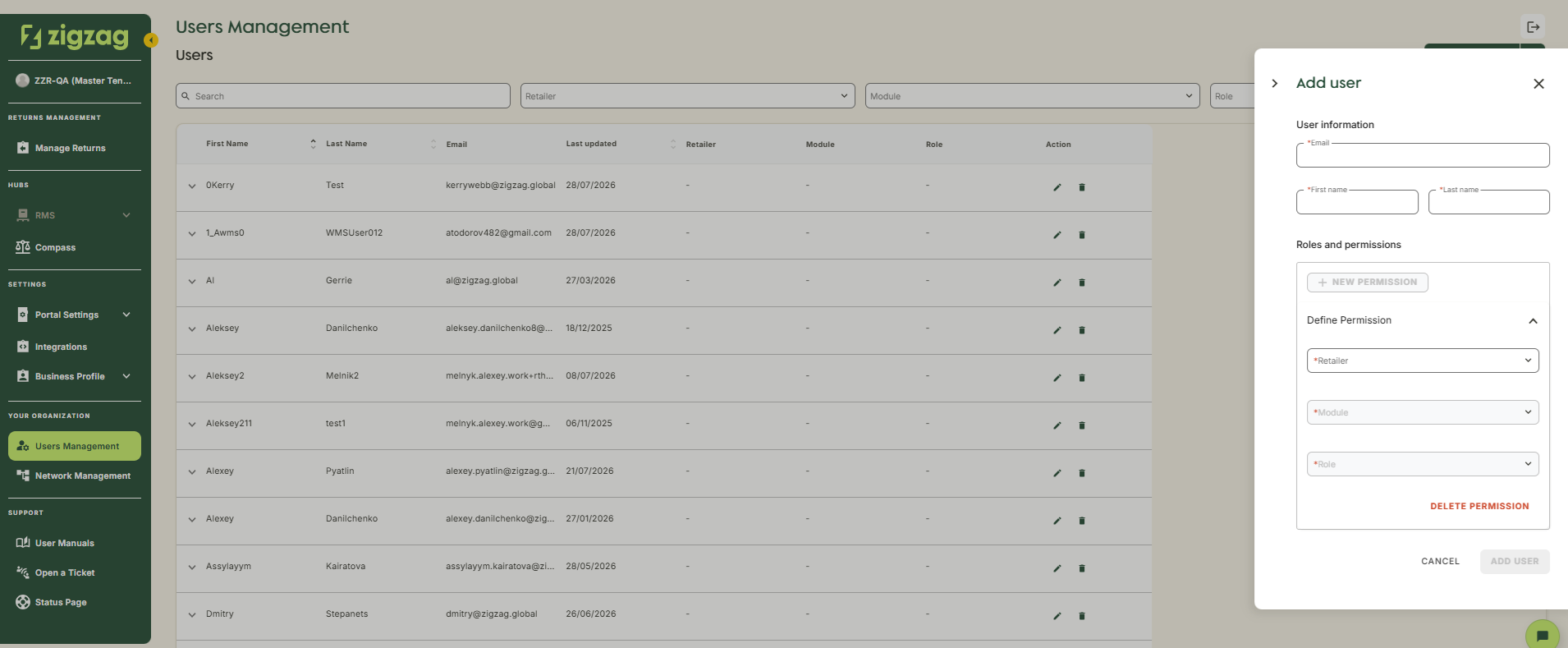
Fill the form:
- Email - If the user's email exists in our database, the first and last name will be pre-filled automatically. However, you can change them if needed
- First Name
- Last Name
- Select the retailer (if applicable)
- Choose the appropriate role
-
Click "Add User"
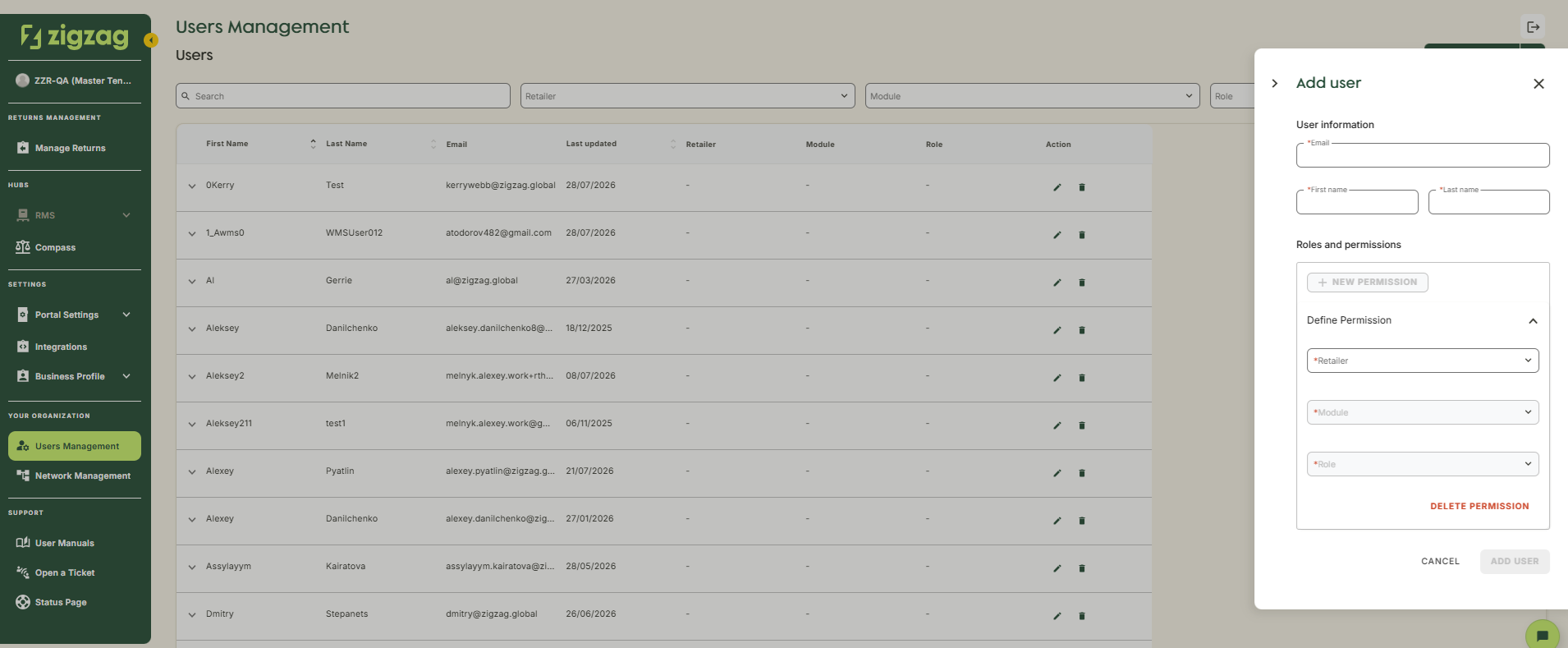
Once invited, an account will be created for the user. To access Retailer Hub, they should go to the login page (Retailer Hub) and follow the "Forgot your password" flow to set their password.
Coming Soon
Retailer Hub is constantly evolving based on feedback. These core pages give your teams the foundation to support returns quickly and clearly, with the connected data across the board!