How to delete a custom report
Overview
Deleting a custom report in RMS is quick and hassle‑free, giving you full control over keeping your reporting library clean and relevant. From the Report Manager, simply select the report you no longer need and remove it with a single click. RMS confirms the deletion to prevent mistakes, ensuring you only keep the reports that matter to your operations. This helps your team stay organised and maintain a streamlined reporting experience.
How to delete a custom report
- Log in to Returns Management System (RMS).
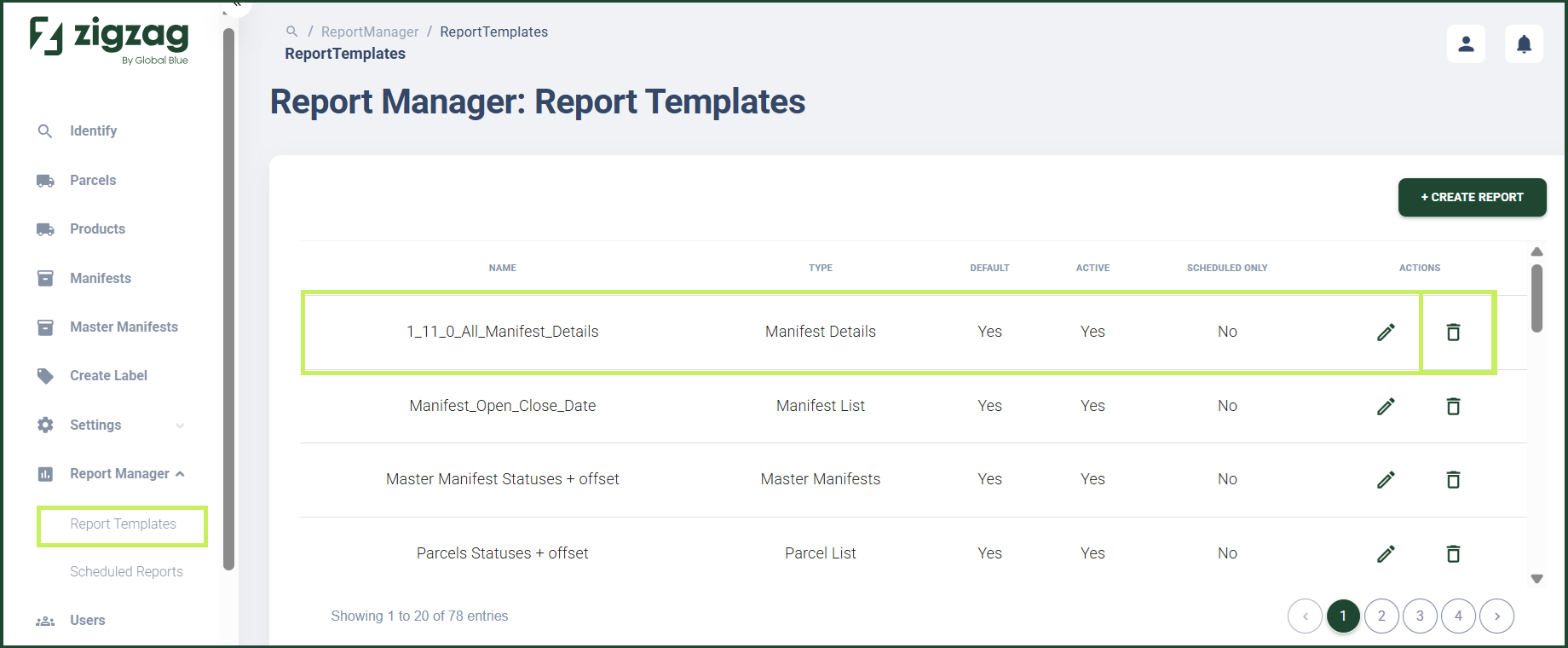
- On the sidebar menu, click Report Manager. A dropdown list of report properties appears below Report Manager.
- Click Report Templates. The Report Manager: Report Templates page appears on the right.
- In the Report Templates List table, click the Delete (Bin) icon for the custom report you want to delete.
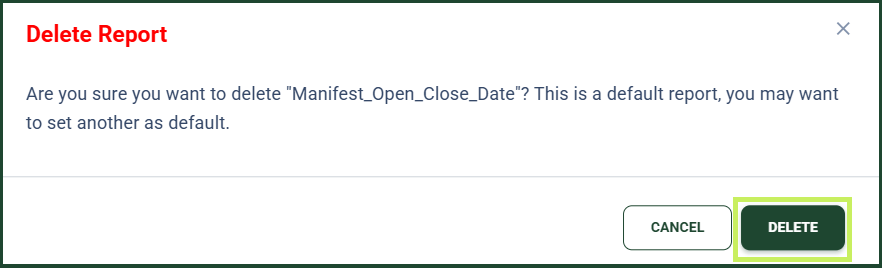
A Delete report confirmation dialog window appears.
5. Click Delete to confirm the deletion of the report.