How to download data
Overview
The Reporting Hub's dashboards enable you to download the data from each section in your chosen file format.
Note before you start
Bigger data sets will result in a slower download.
To ensure a fast download, try narrowing your date range or applying additional filters before exporting.
How to download data
To download the data results:
- Go to the preferred dashboard.
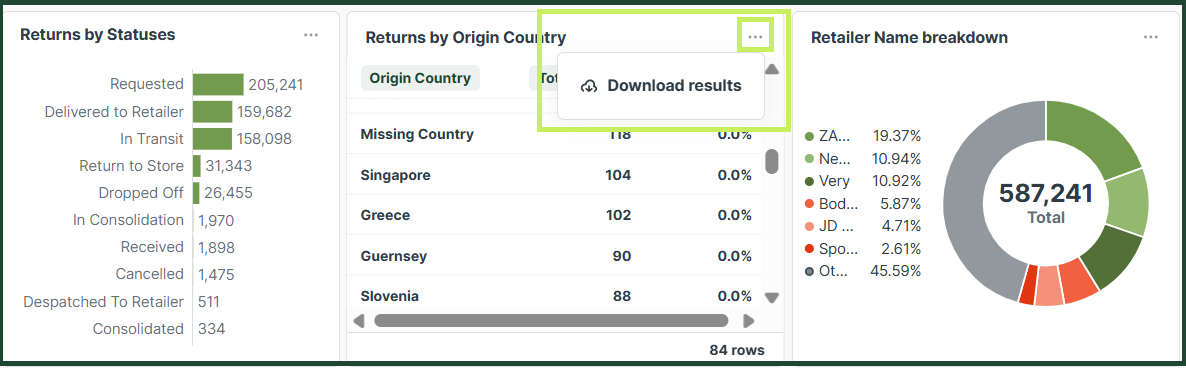
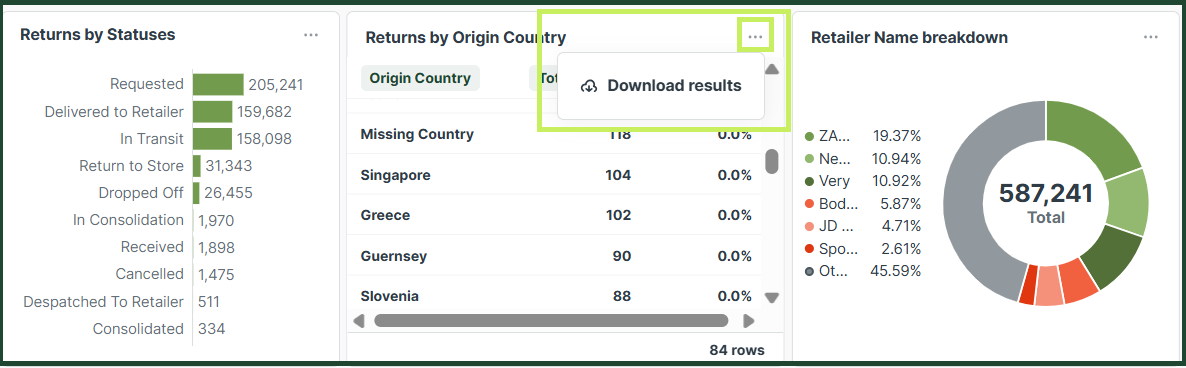
- Click the three dots on the dashboard section's top right corner and then click Download Results.
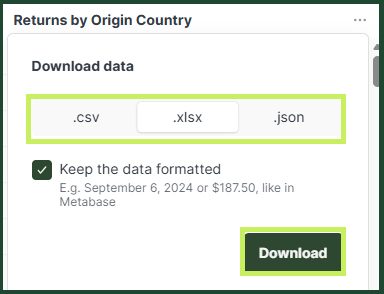
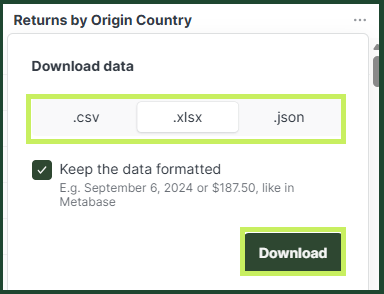
- Select the format and click Download.