How to delete a master manifest
Overview
Deleting a master manifest in RMS is a controlled and permission‑based action designed to protect operational accuracy. To ensure data integrity, RMS only allows deletion when the master manifest is still open and has no manifests assigned to it, safeguarding against the loss of in‑progress or completed shipment records. This approach keeps the system clean and consistent while preventing unintended workflow disruptions.
How to delete a master manifest
- Log in to Returns Management System (RMS).
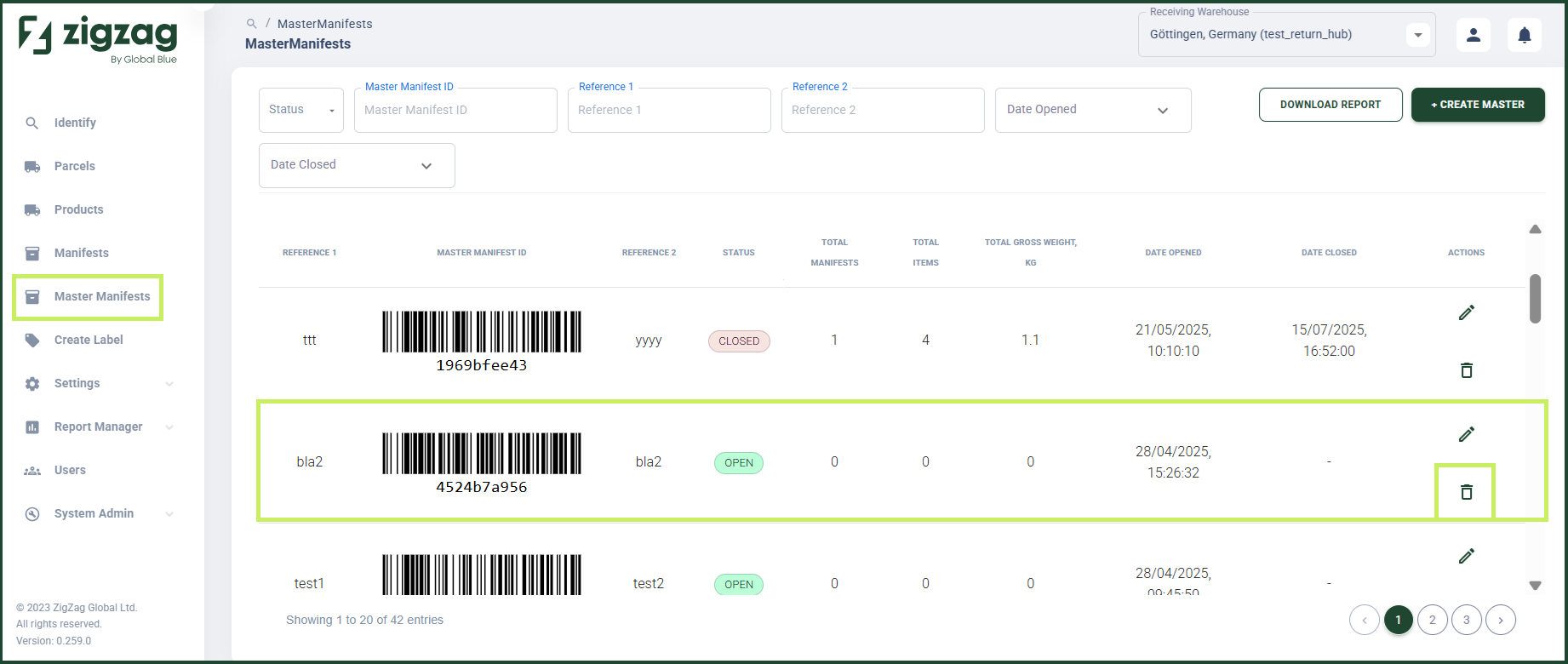
- On the sidebar menu, click Master Manifests. The Master Manifests page appears on the right.
- On the Master Manifests page, navigate to the Master Manifest List table and select the master manifest you want to delete. Click the Delete (Bin) icon in the Actions column.
- A confirmation dialog window appears with the text "Are you sure you want to delete this master manifest: Master Manifest ID?"
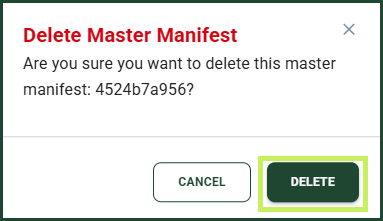
- Click Delete.
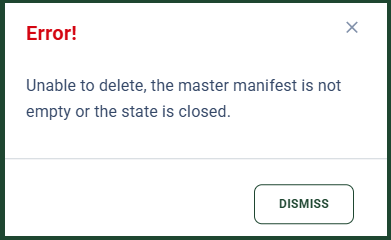
info
You are not able to delete a master manifest if it is closed or there is at least one manifest assigned to it.