How to create a master manifest
Overview
Creating a master manifest in RMS provides a streamlined way to group and manage outbound parcels with greater accuracy and operational clarity. The workflow automatically retains your search criteria and navigation state when working across Master Manifest pages, reducing repetitive steps and improving efficiency. RMS ensures key shipment details—such as the warehouse selected during creation—are captured directly from your chosen dropdown, supporting cleaner data and more reliable downstream processing.
How to create a master manifest
- Log in to Returns Management System (RMS).
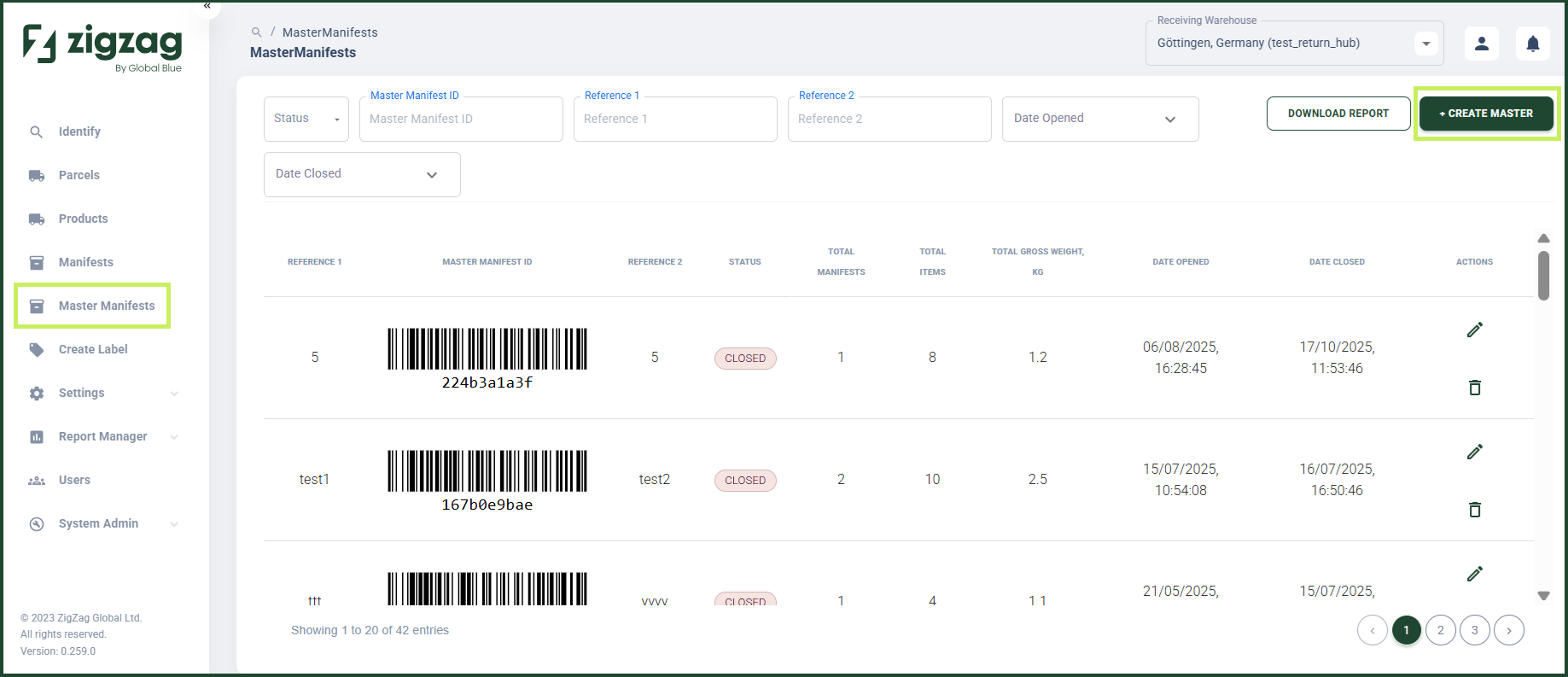
- On the sidebar menu, click Master Manifests. The Master Manifests page appears on the right.
- On the Master Manifests page, click the Create Master button.
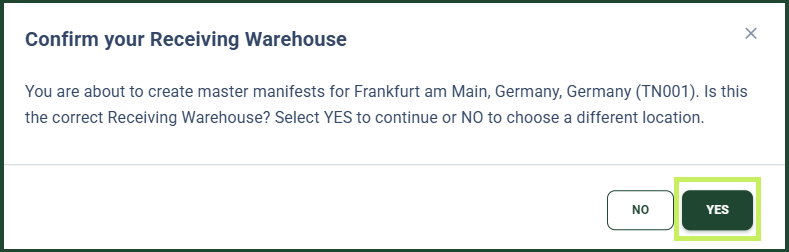
- If your currently selected receiving warehouse is not your default warehouse, you are prompted to confirm your receiving warehouse.
- After you confirm your receiving warehouse, a Create a Master Manifest dialog window appears.
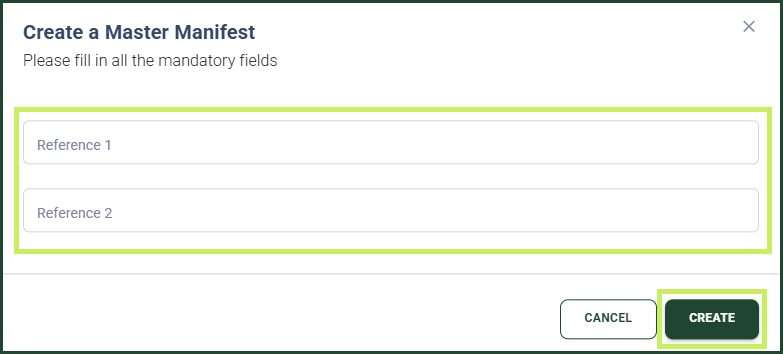
- To create the new master manifest, fill in the following fields:
- Reference 1
- Reference 2
- Click Create.