Email Templates
By modifying the email templates, you can deliver a branded shipping experience that reinforces your identity at every customer touchpoint.
Notification templates are accessible from Portal Settings -> Notification Settings -> Email Templates
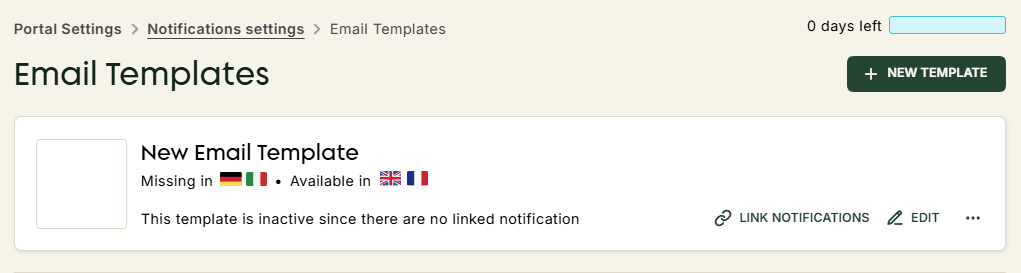
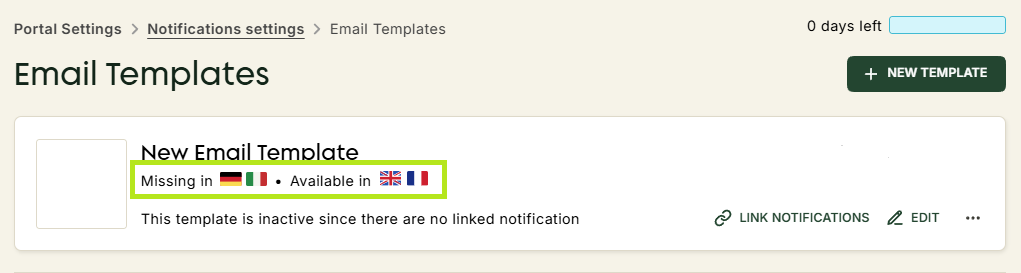
All your email templates can be viewed on the main templates page. Each template indicates which languages are configured. Unavailable languages will be marked as missing and can be added manually.
There are 3 different templates :
- Main - Sent when the package is shipped.
- Incident - Sent when an unexpected event occurs (issue with address, shipping delay, etc.).
- Delivery - Sent when the package is delivered. When this notification is sent, no further tracking of the package is necessary and ZigZag does not send any new notifications associated with this package.