Feedback
The Feedback feature allows you to send out a satisfaction survey so that you can collect your customers' opinions on their post-purchase experience. The survey is sent via the "package delivered" notification.
As the "package delivered" notification has an open rate of over 60%, the response rate to the feedback survey is also very high. This means you can quickly identify dissatisfied customers and limit their frustrations.
Note
Feedback is not activated by default. Please contact us at support@zigzag.global and our team will activate it for you.
How to activate Feedback feature
- Navigate to Portal Settings -> Notifications settings -> Email Templates.
- Click Edit next to the required email template.
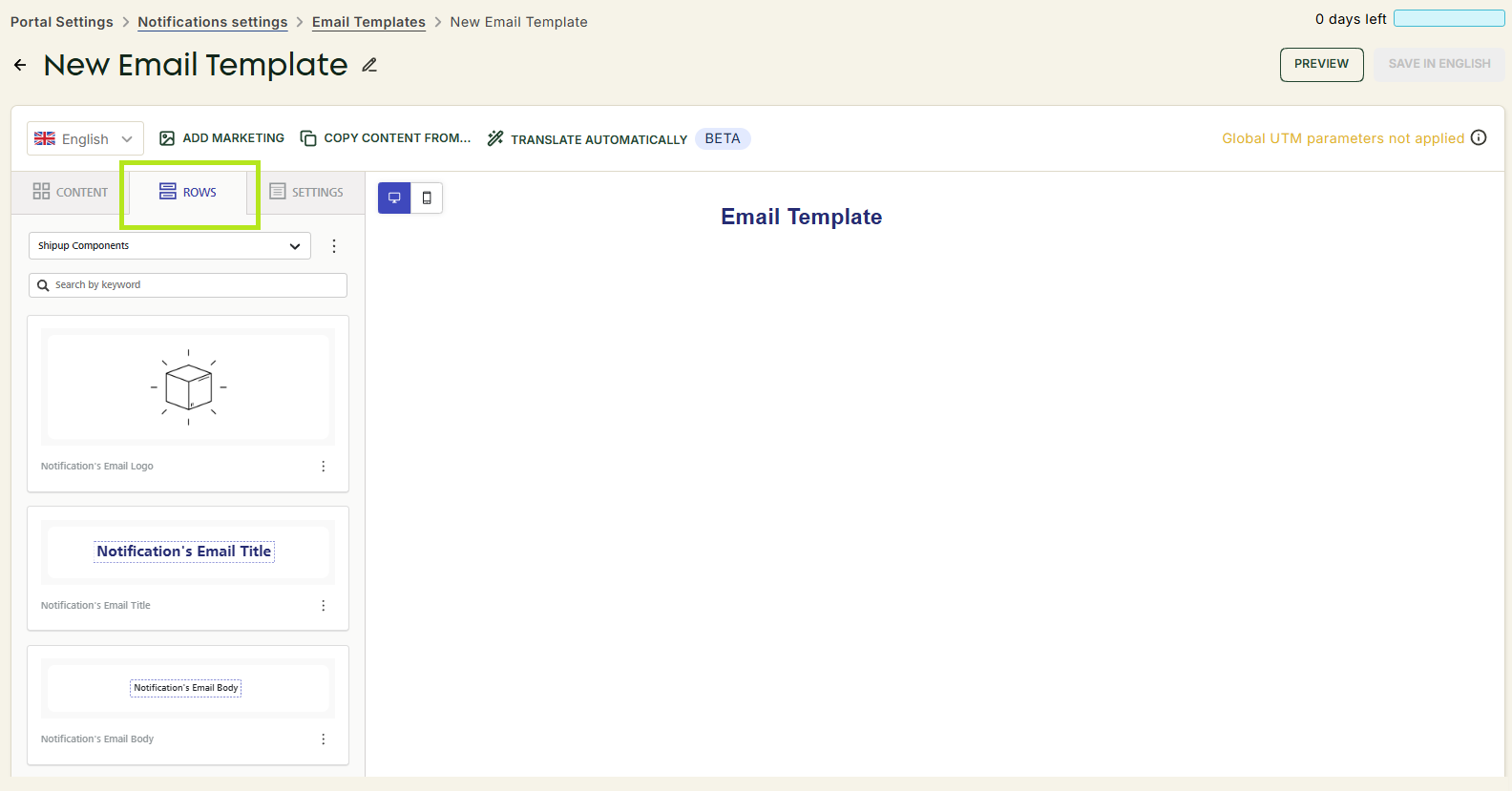
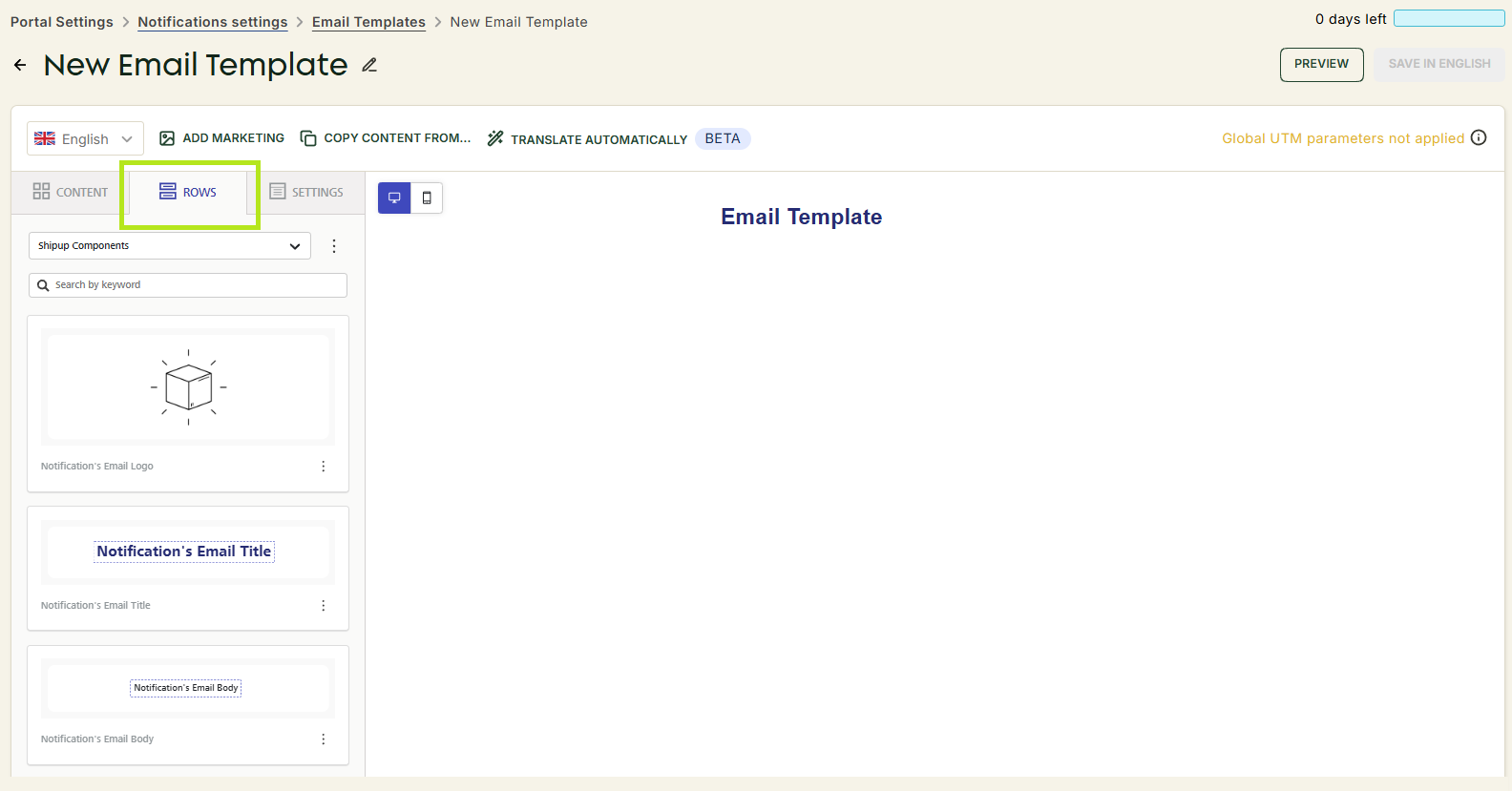
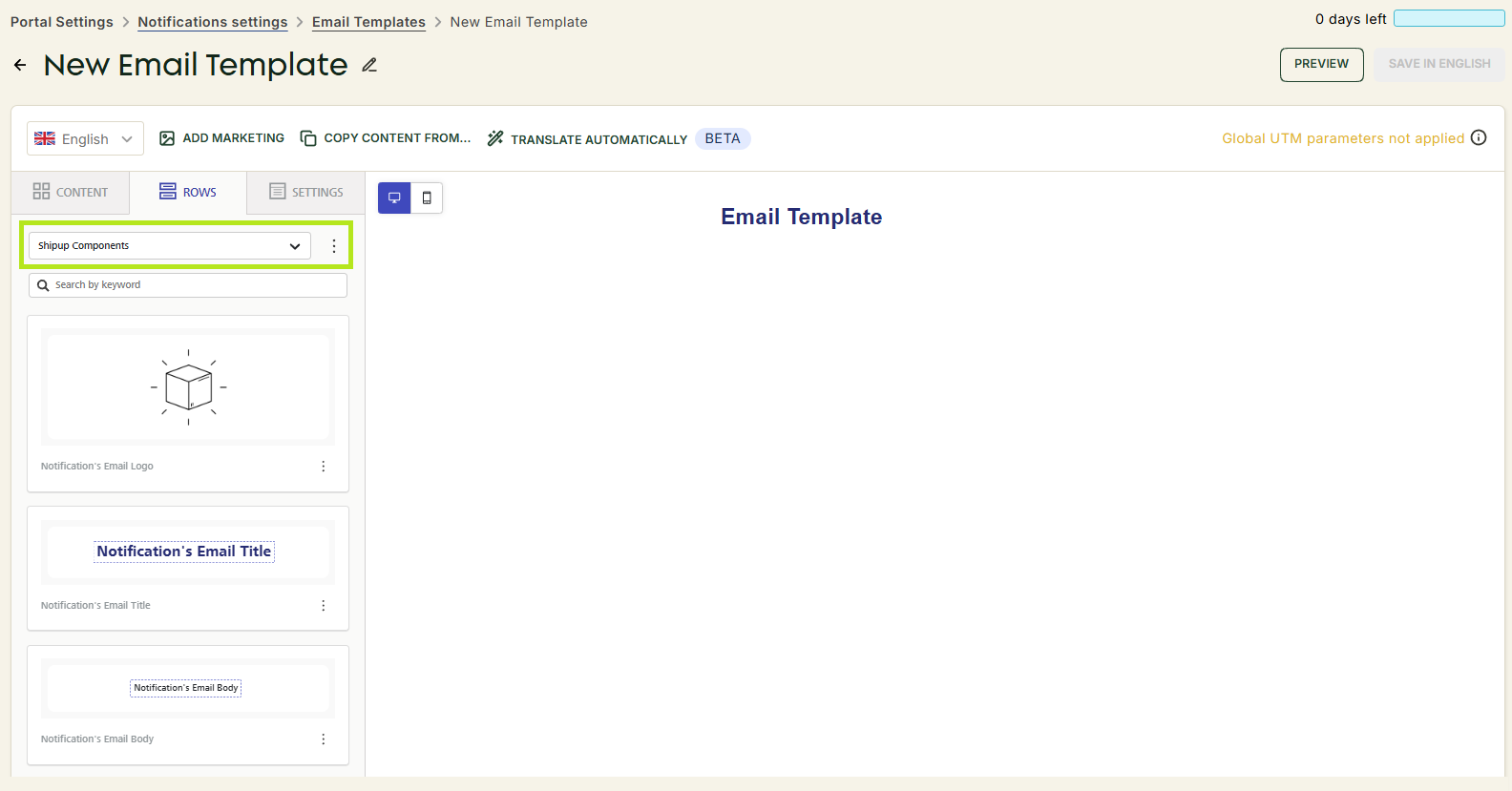
- Click Rows.
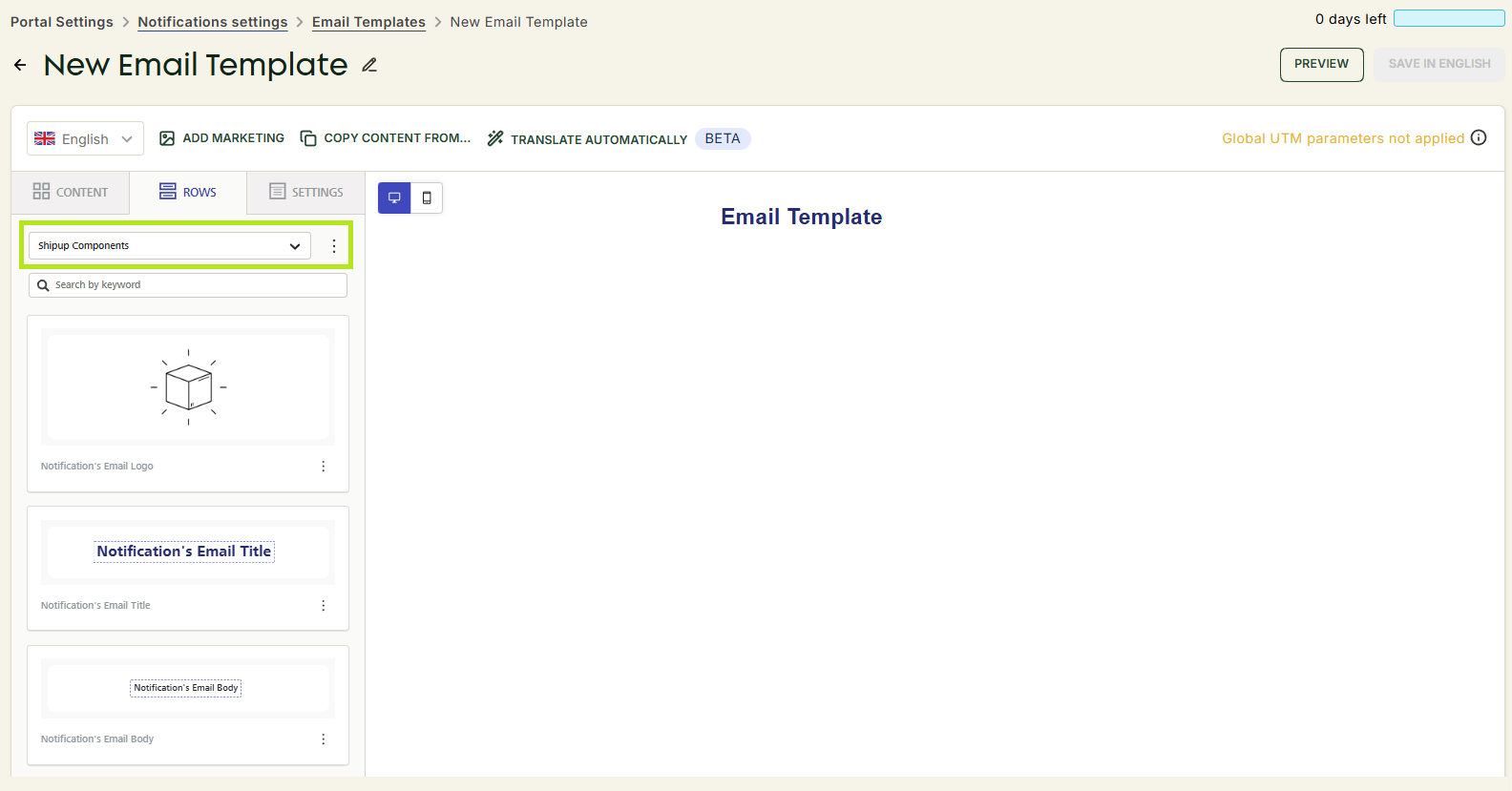
- Select Shipup Components from the dropdown.
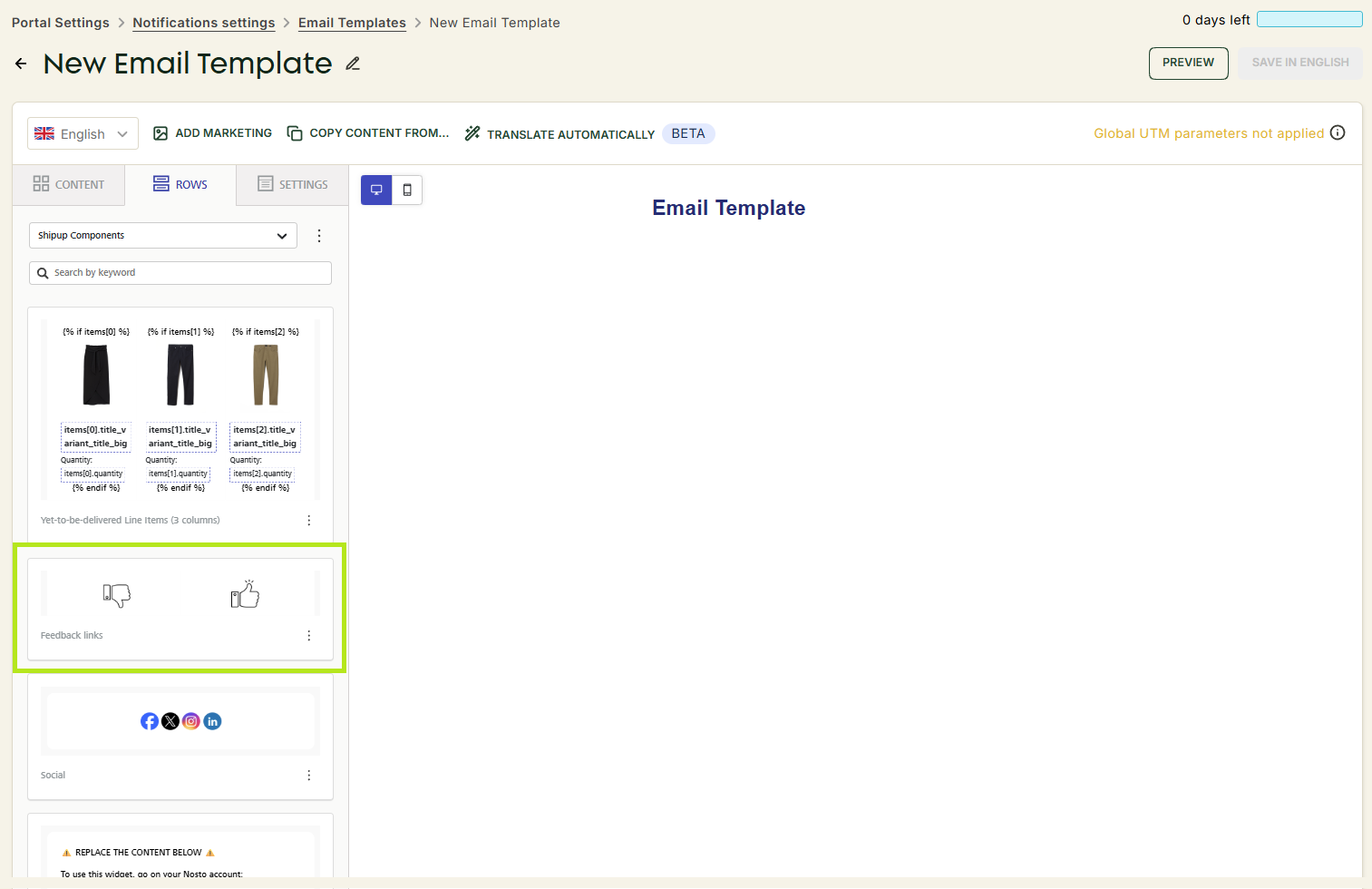
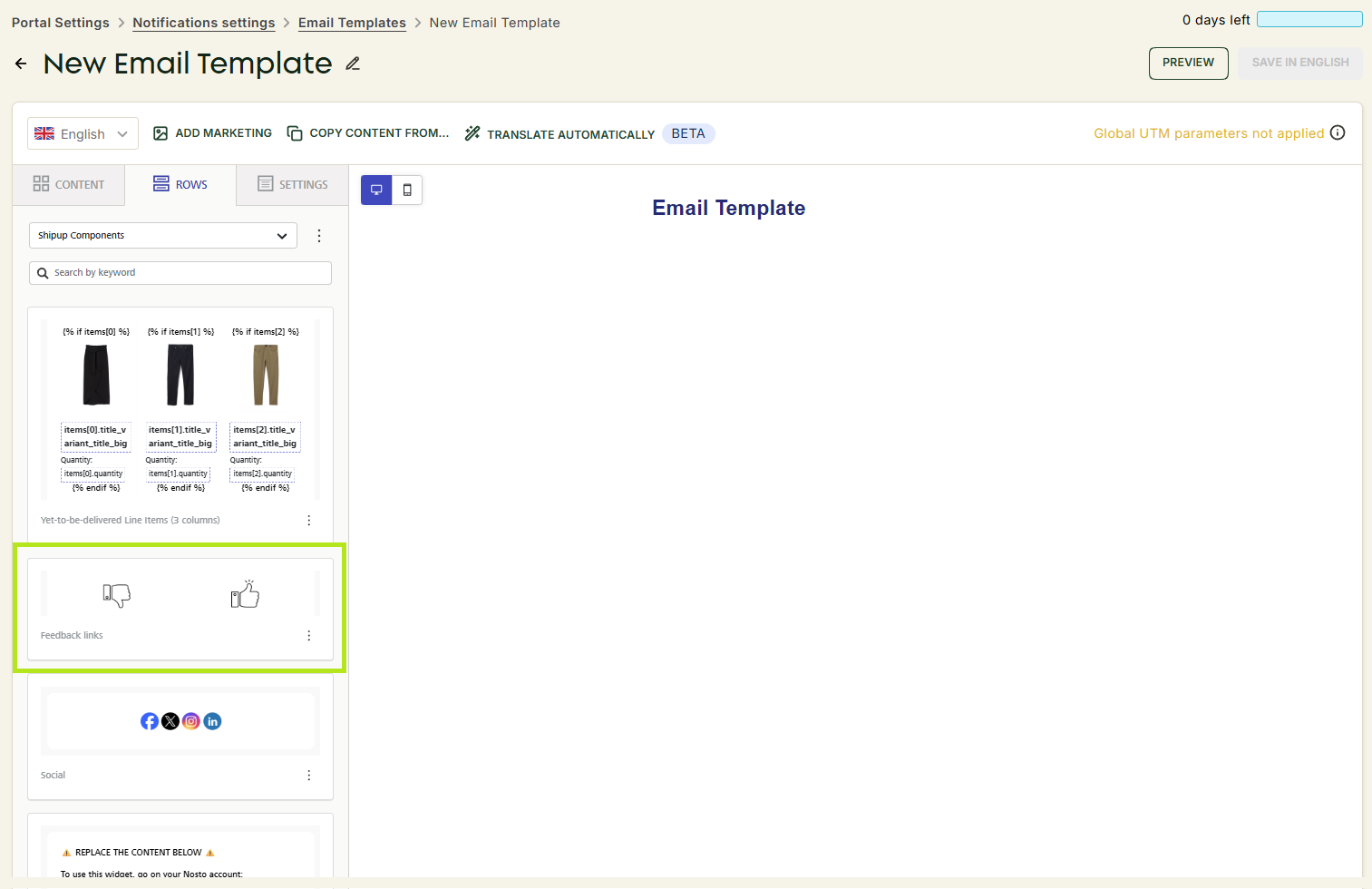
- Drag and drop the Feedback links block to the editor.
Improve your response rate
- The position of the survey - The survey needs to be as high as possible in the email. Our advice should be to put it right below the notification body, never lower. Otherwise, shoppers may never see it.
- The size of the icons - The size of the icons is very important as well. The larger, the better! Otherwise, users may not notice it.
It is especially important to check those aspects on mobile.