How to add new language to email template
Overview
This page will guide you how to add a new language to an existing email template.
How to add new language to email template
- Navigate to Portal Settings -> Notification Settings -> Email Templates.
- Click Edit next to the required template.
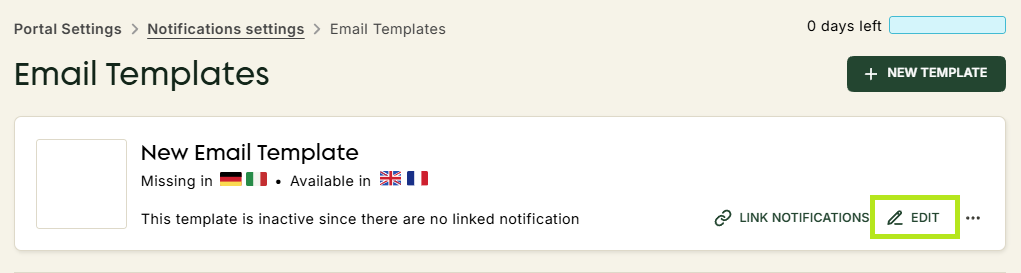 .
. - You will see all missing languages in the Missing templates section of the dropdown menu.
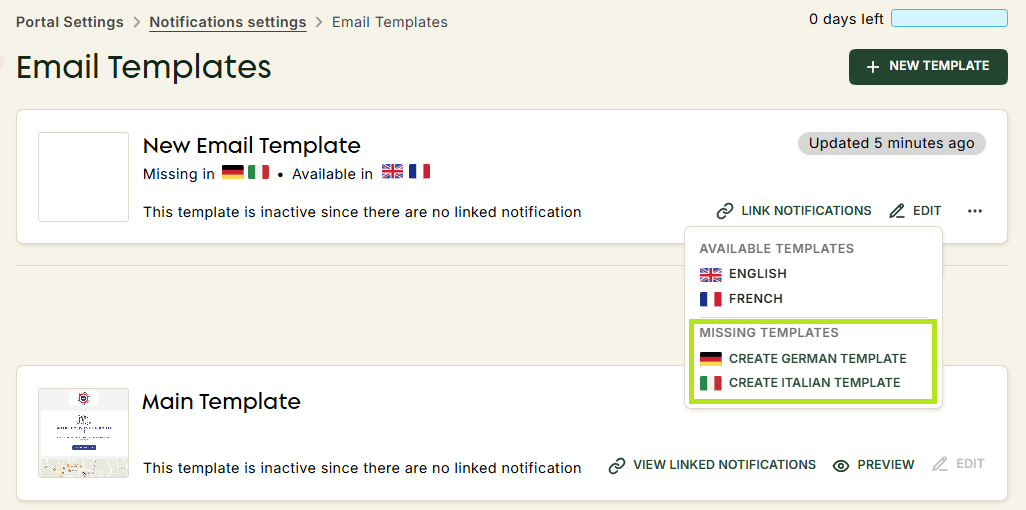
- Select the language you would like to create.
- Modify the template content to fit the desired language.
Note
The content of email templates is not automatically translated. Changing the language allows for tailored communication based on the destination country or the client's language, ensuring a more personalised approach.