How to link notifications to email template
Overview
Email templates can be linked directly to notifications. This allows you to associate a template with a specific notification type for each event.
Note before you start
Each notification is linked to a single email template.
If you link a notification to a new template, it will automatically be unlinked from the previous one.
This ensures that a unique template is used for each notification.
How to link notifications to email template
- Navigate to Portal Settings -> Notification Settings -> Email Templates.
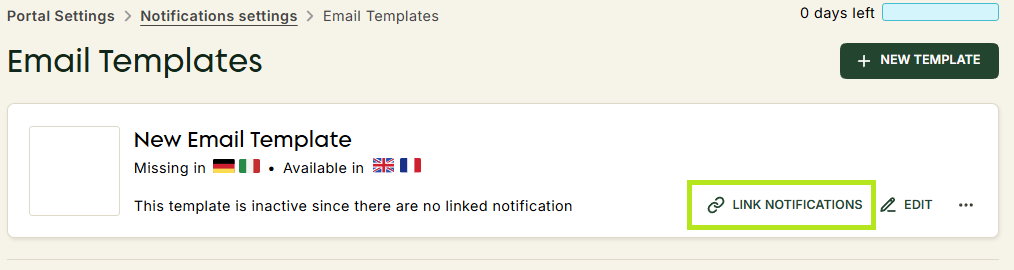
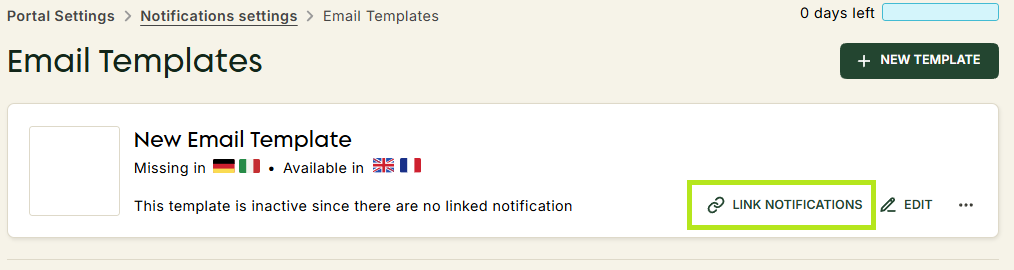
- Click Link Notifications next to the chosen email template.
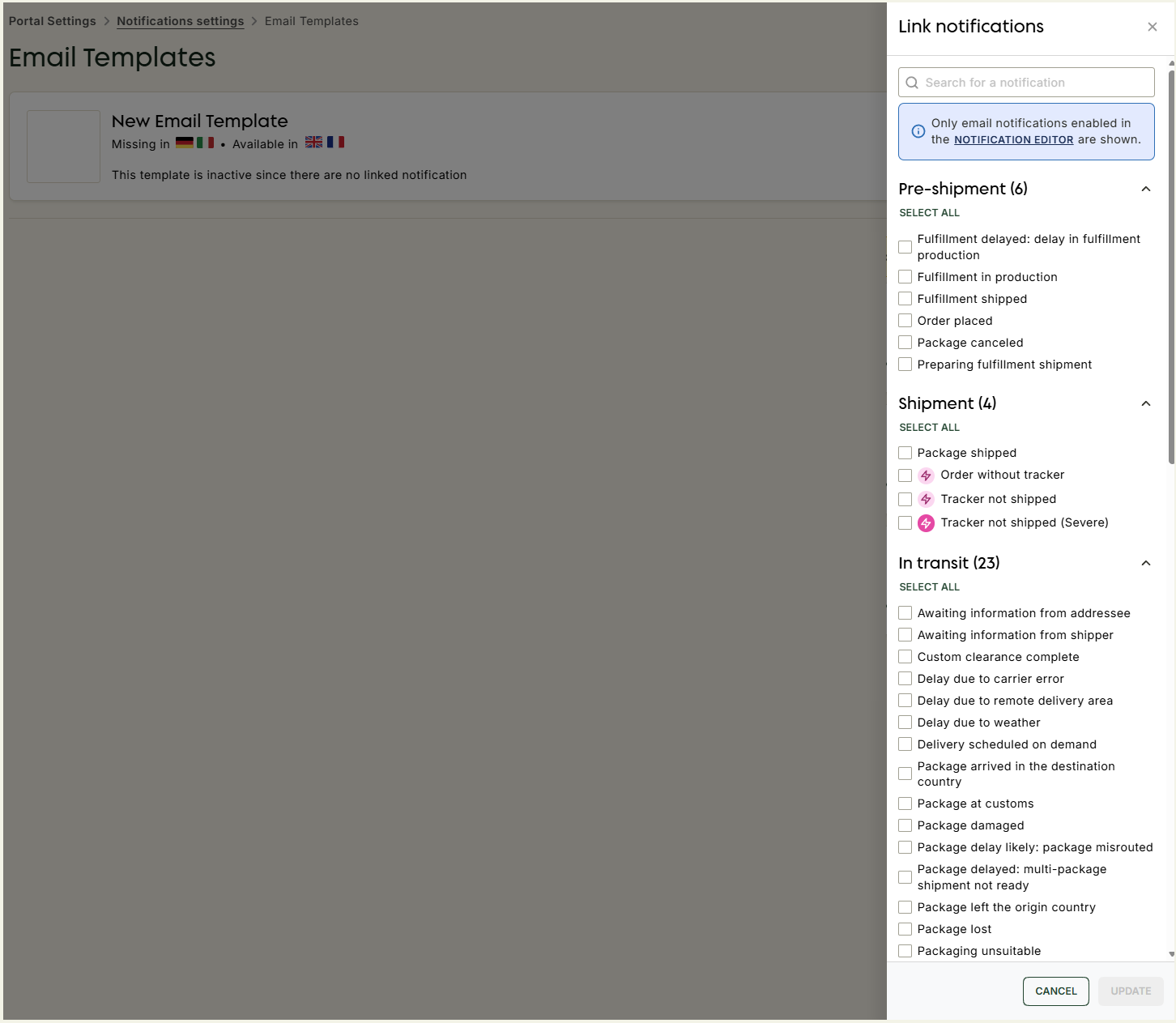
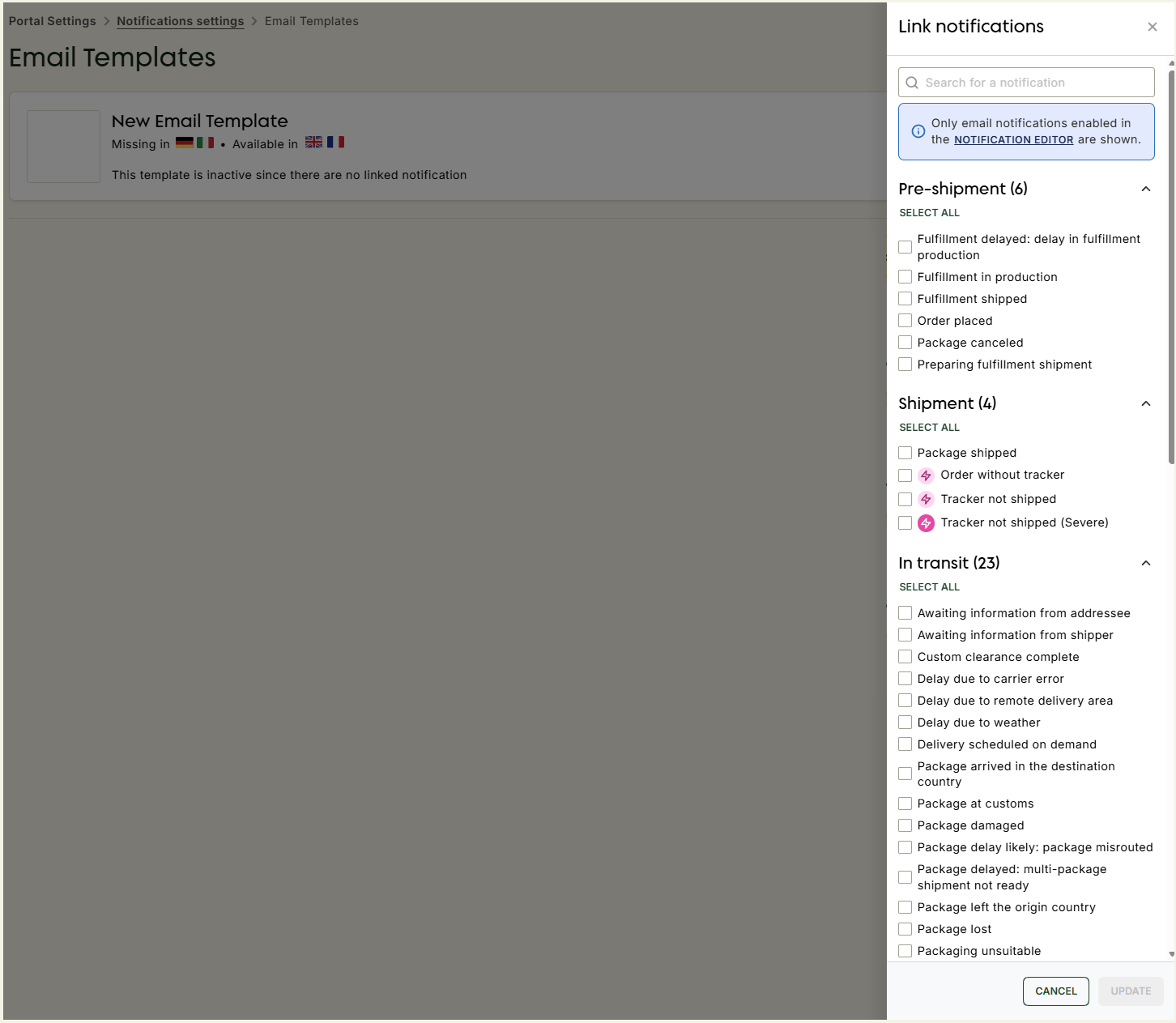
- In the side modal that appears, select the notification you would like to link to this template.