How to update contact details
Overview
The Contact Details section in the Retailer Hub allows you to keep your contact information accurate. You can easily update key operational contacts - such as customer service, finance, and escalation points - ensuring all communication routes remain reliable and aligned with current business needs.
Note before you start
You need to have a Manager user role to be able to update company data.
How to update contact details
- Log in to Retailer Hub as a Manager.
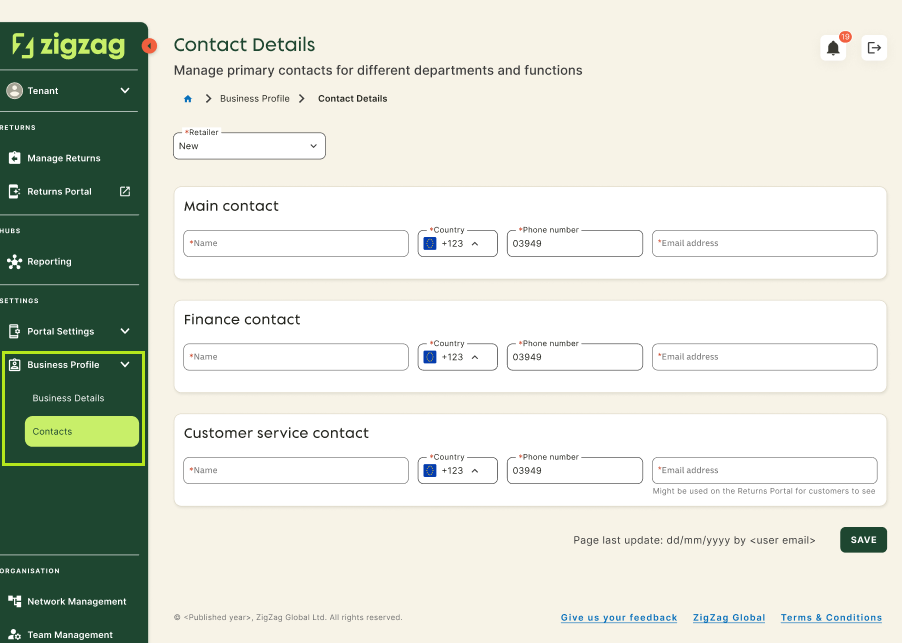
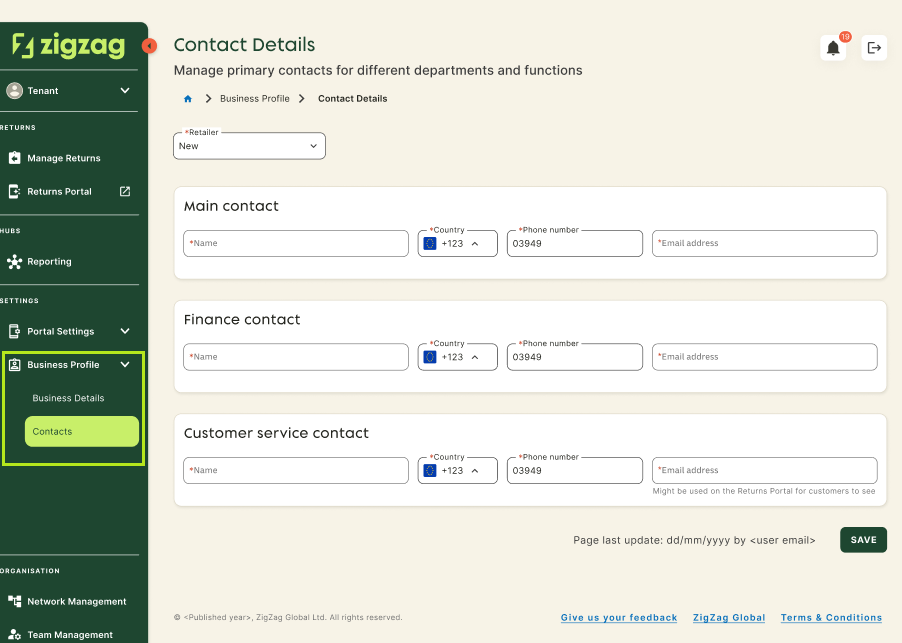
- Navigate to Settings->Business Profile->Contact Details page.
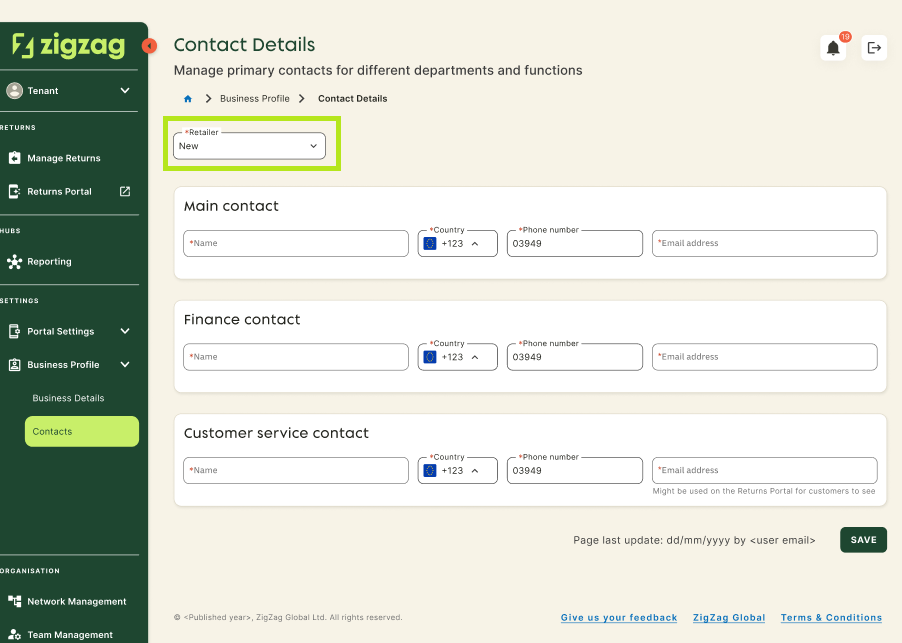
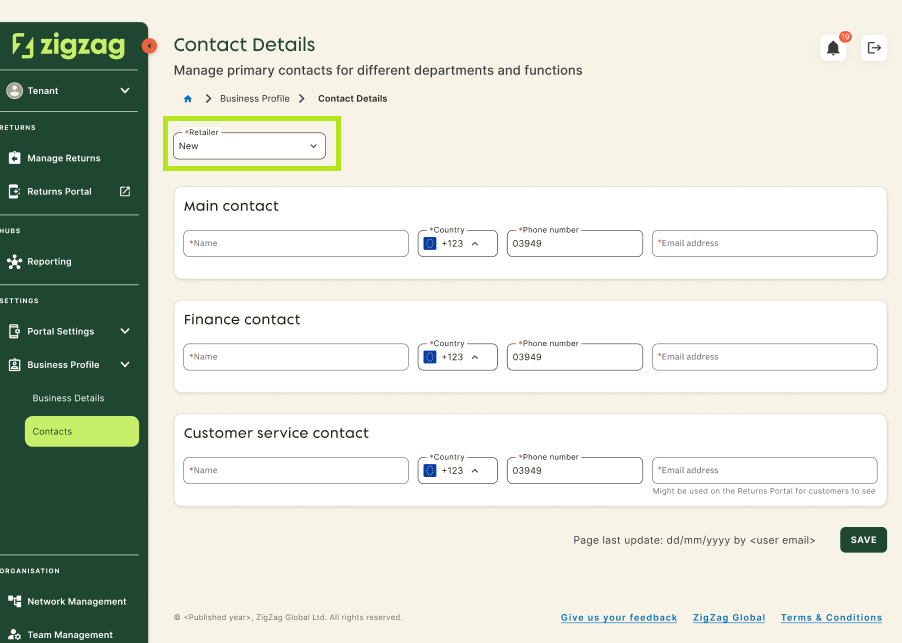
- Select the retailer whose contact details you want to update.
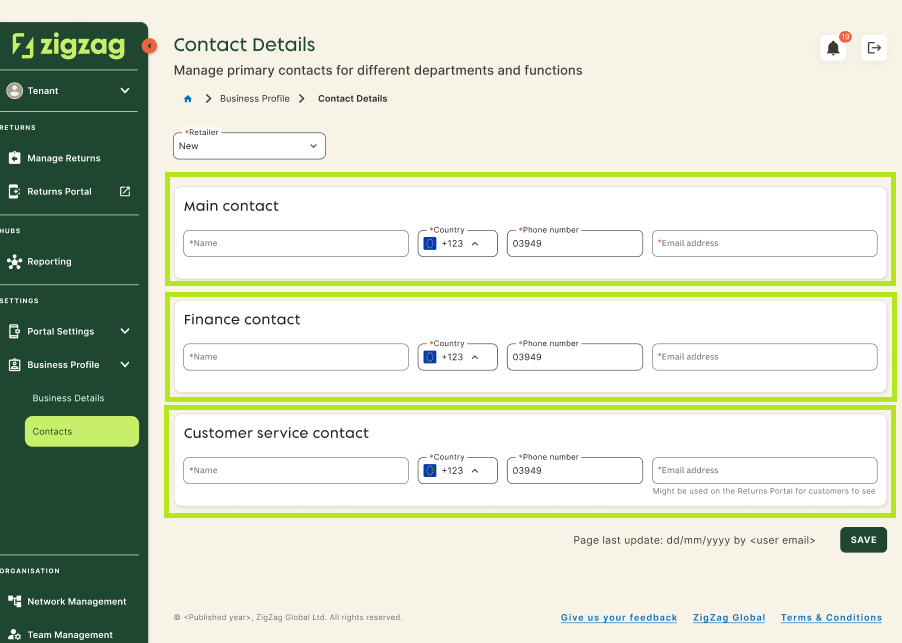
- Fill or update the necessary data fields.
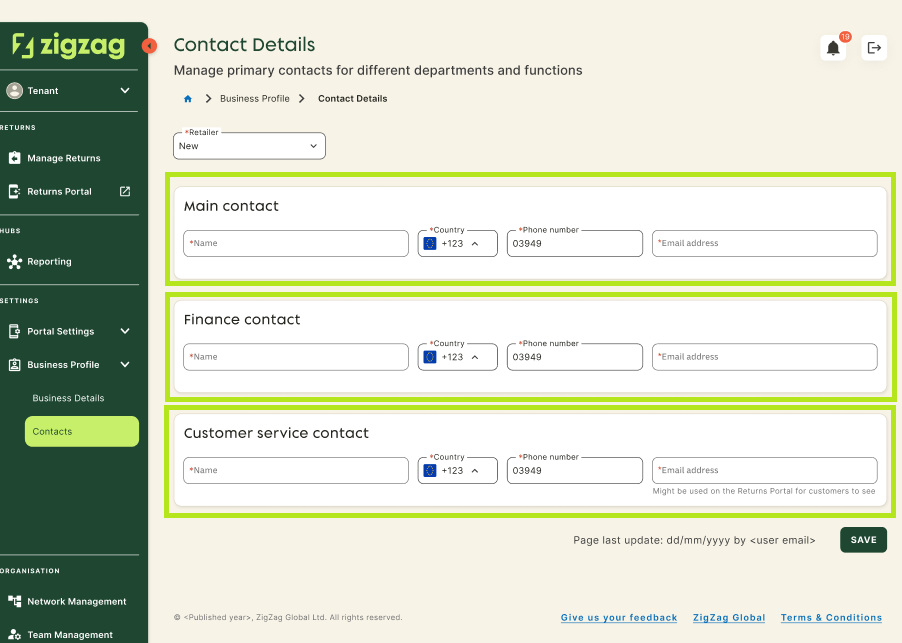
- Click Save.