How to update business details
Overview
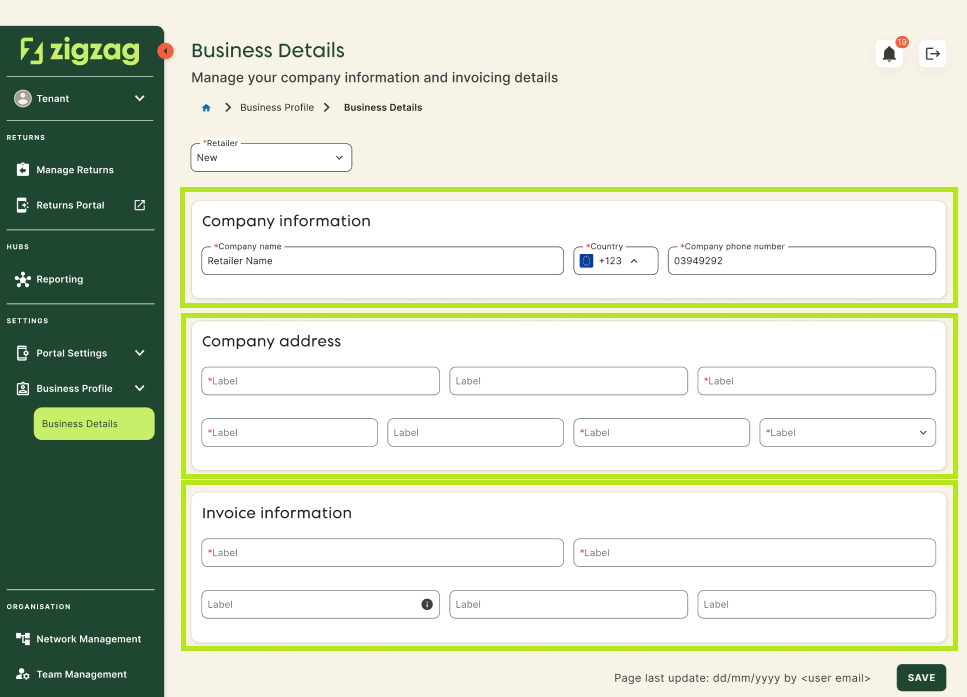
The Business Details section in the Retailer Hub allows you to quickly update essential company information - such as business details, addresses, and invoicing data - ensuring your profile stays accurate and up to date. It supports fast edits, clear validation, and a streamlined workflow, enabling you to manage your account independently.
Note before you start
You need to have a Manager user role to be able to update company data.
How to update business details
- Log in to Retailer Hub as a Manager.
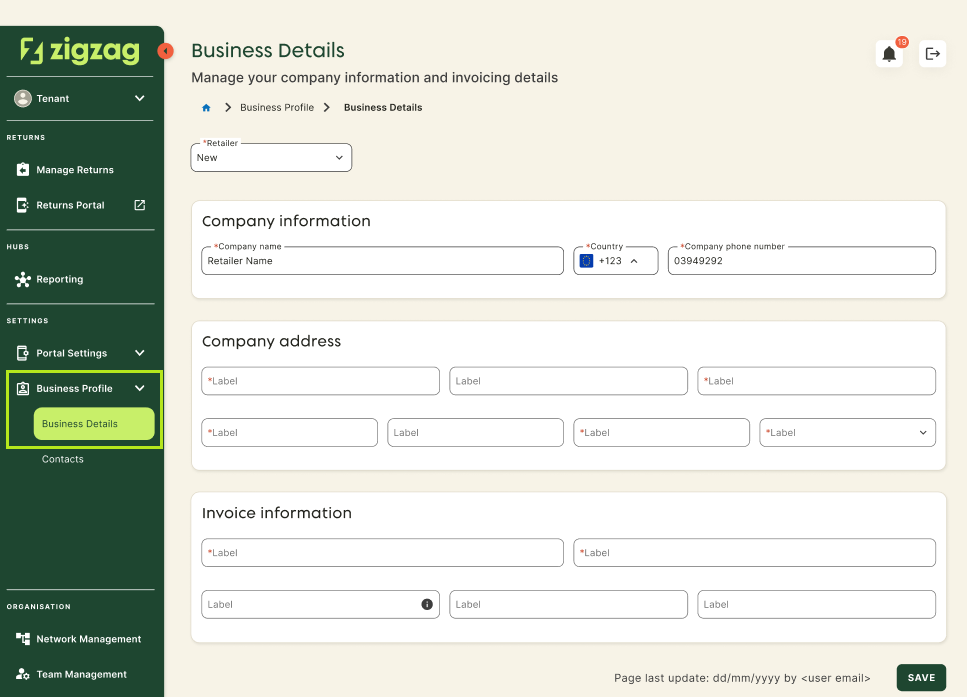
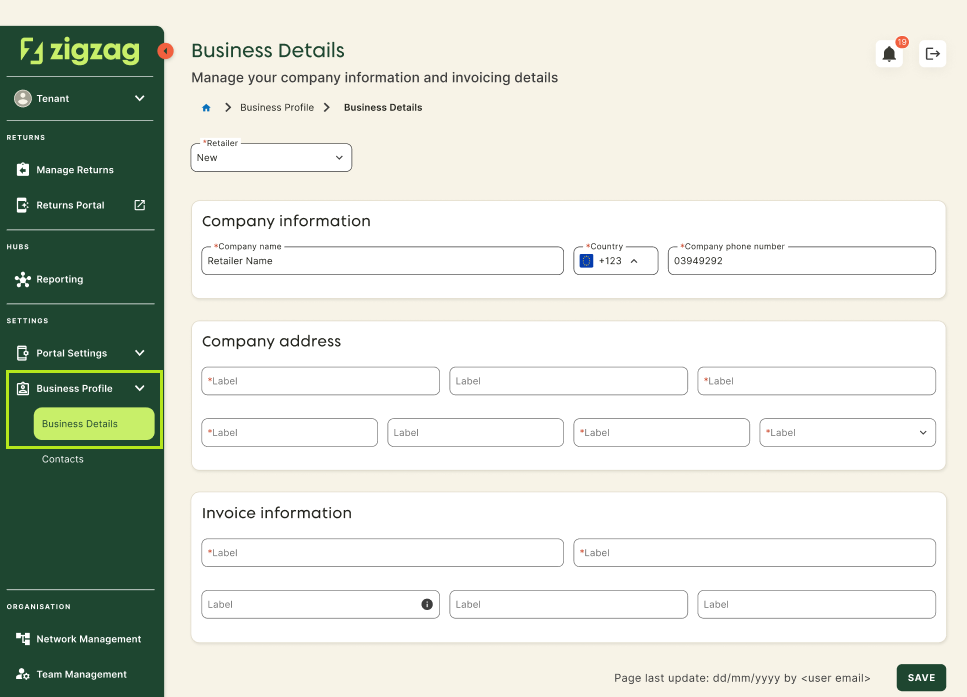
- Navigate to Settings->Business Profile->Business Details page.
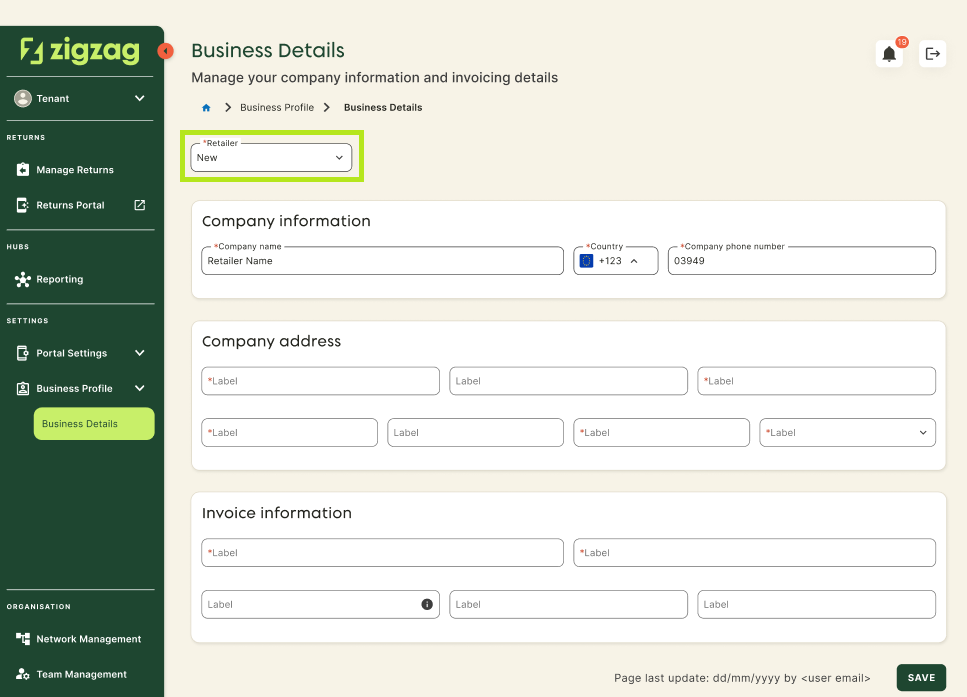
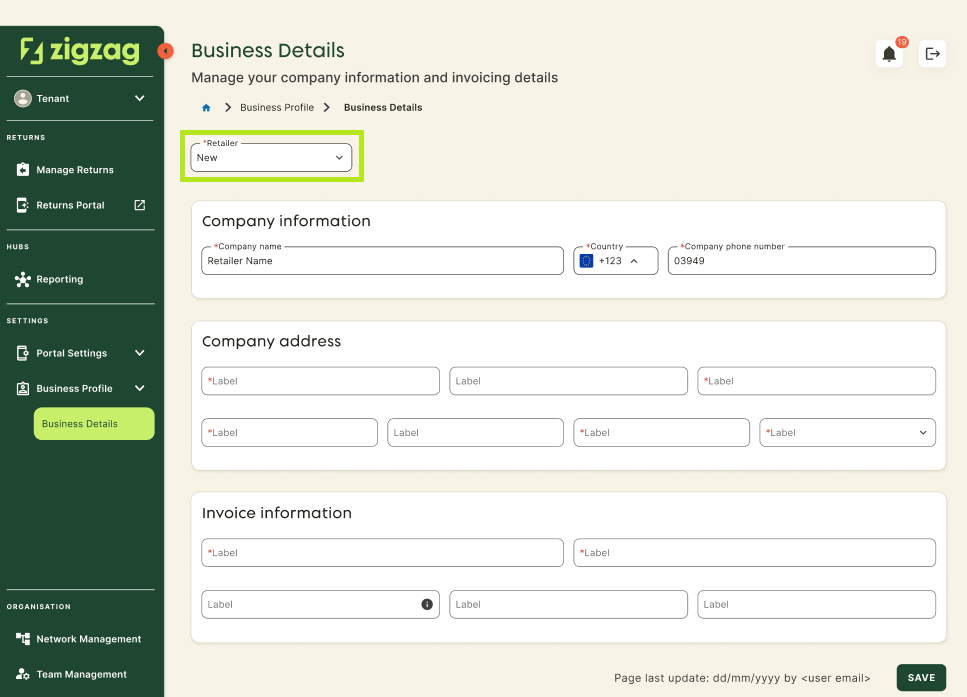
- Select the retailer whose business details you want to update.
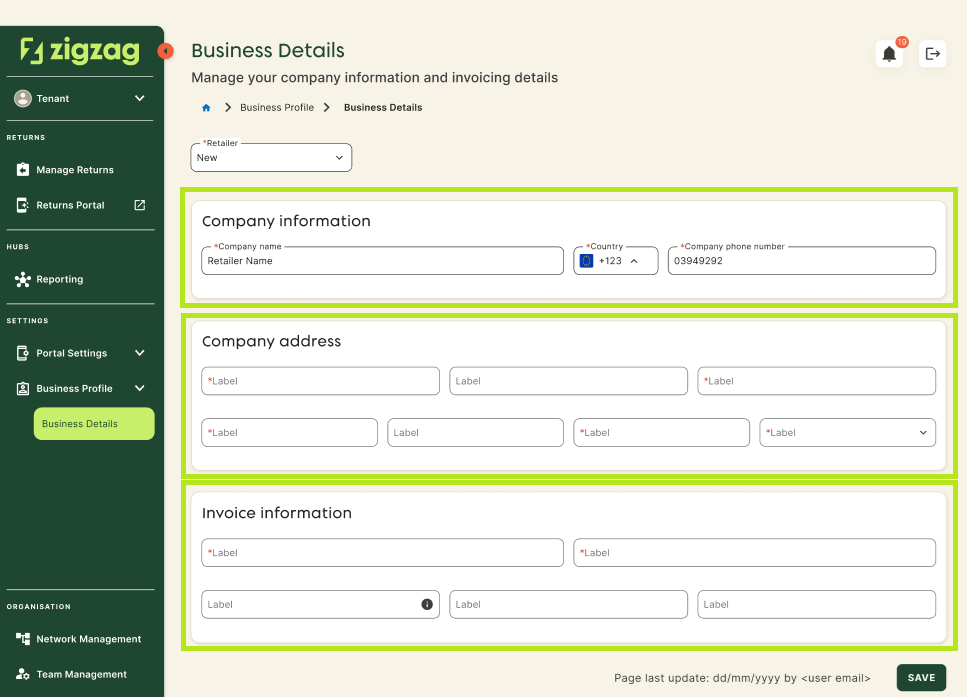
- Fill or update the necessary data fields.
- Click Save.