Order Ingestion Shopify Onboarding
Overview
This page will guide you how to create the ZigZag Order Ingestion Shopify API Integration.
If you have already downloaded the ZigZag Returns & Exchanges app there is no need to delete it and start again, all you need to do is send ZigZag your Shopify URL(s). When they have been registered in our system all you need to do is refresh your app.
How to create Order Ingestion Shopify API Integration
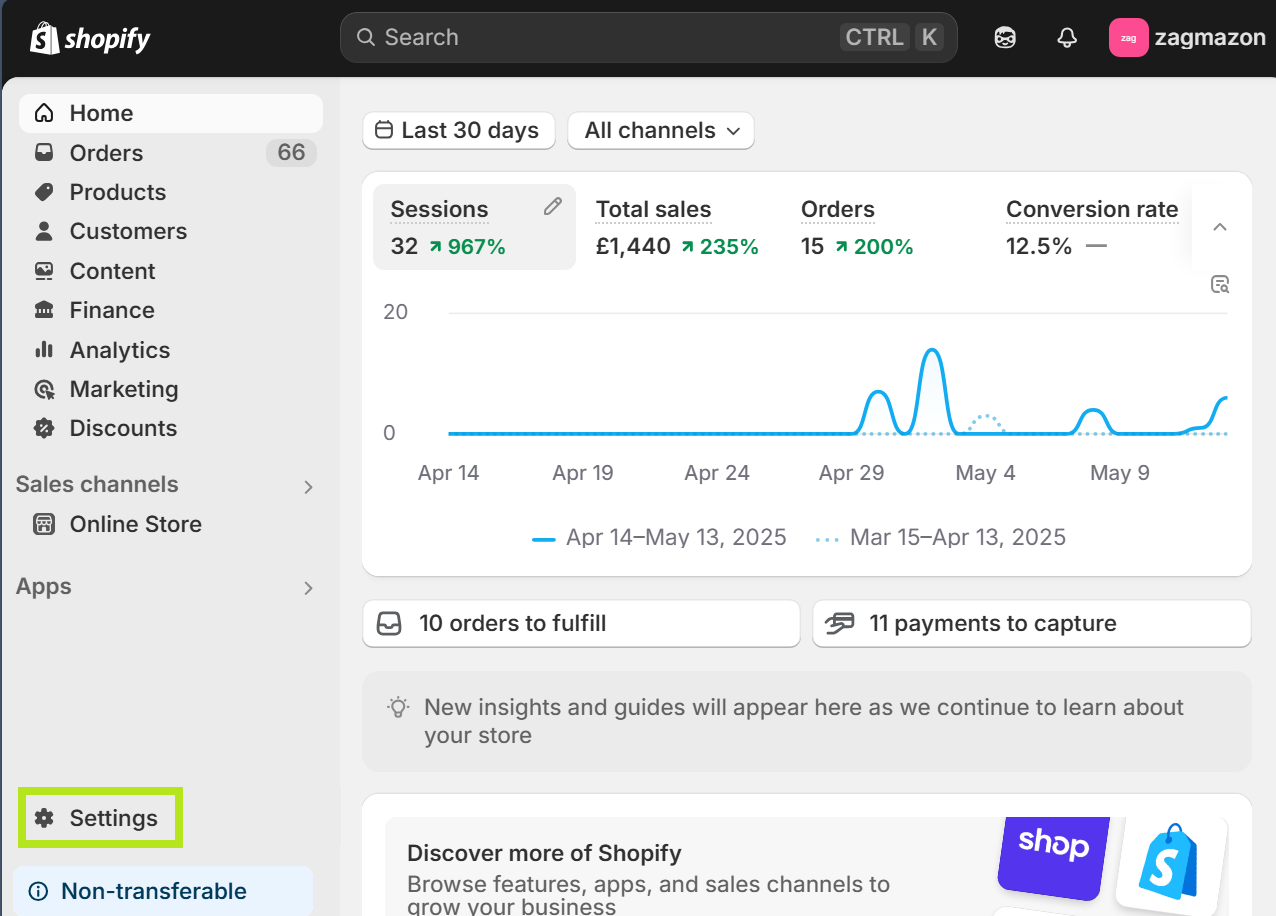
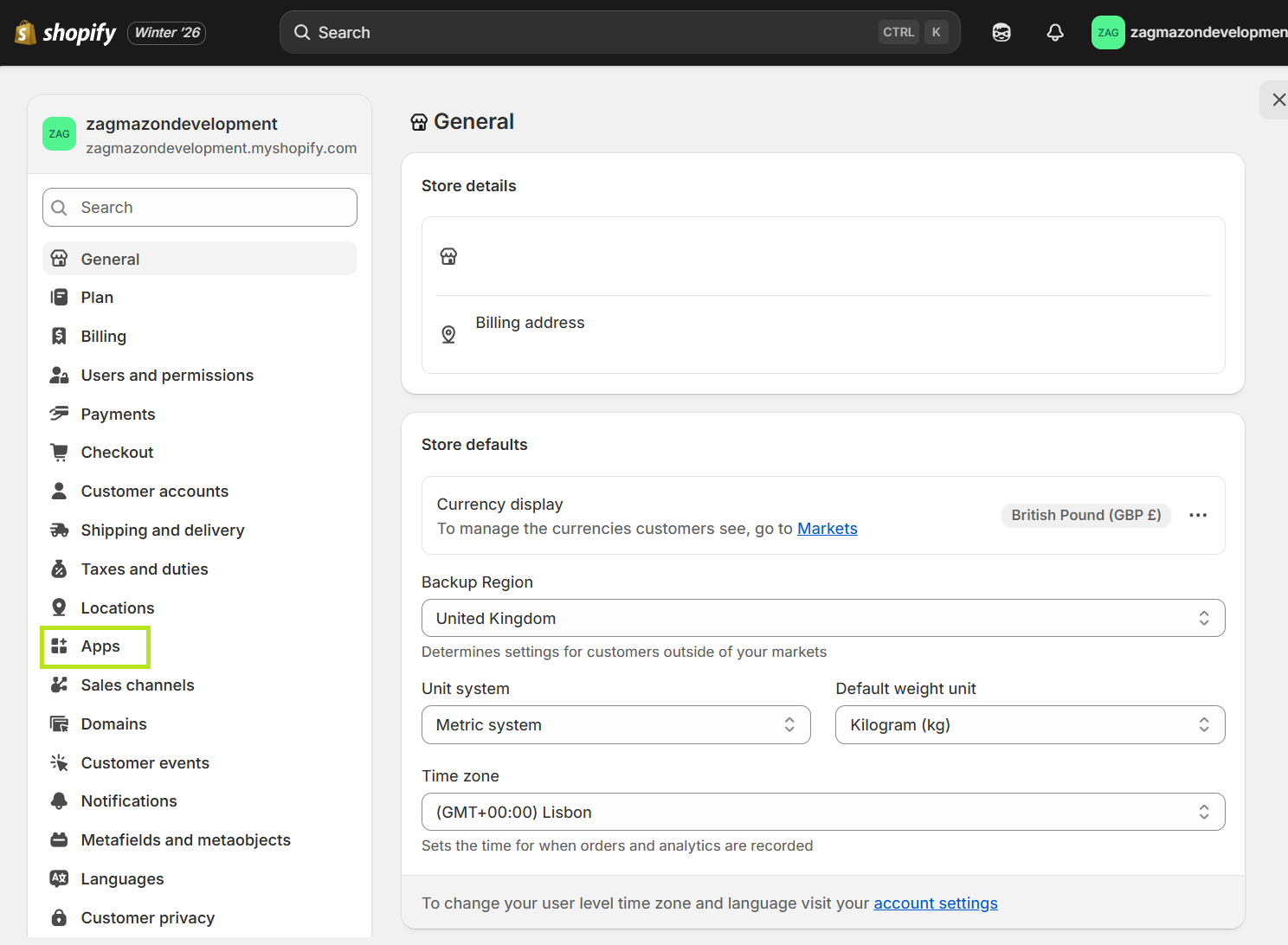
- Select the Settings option in the left menu panel.
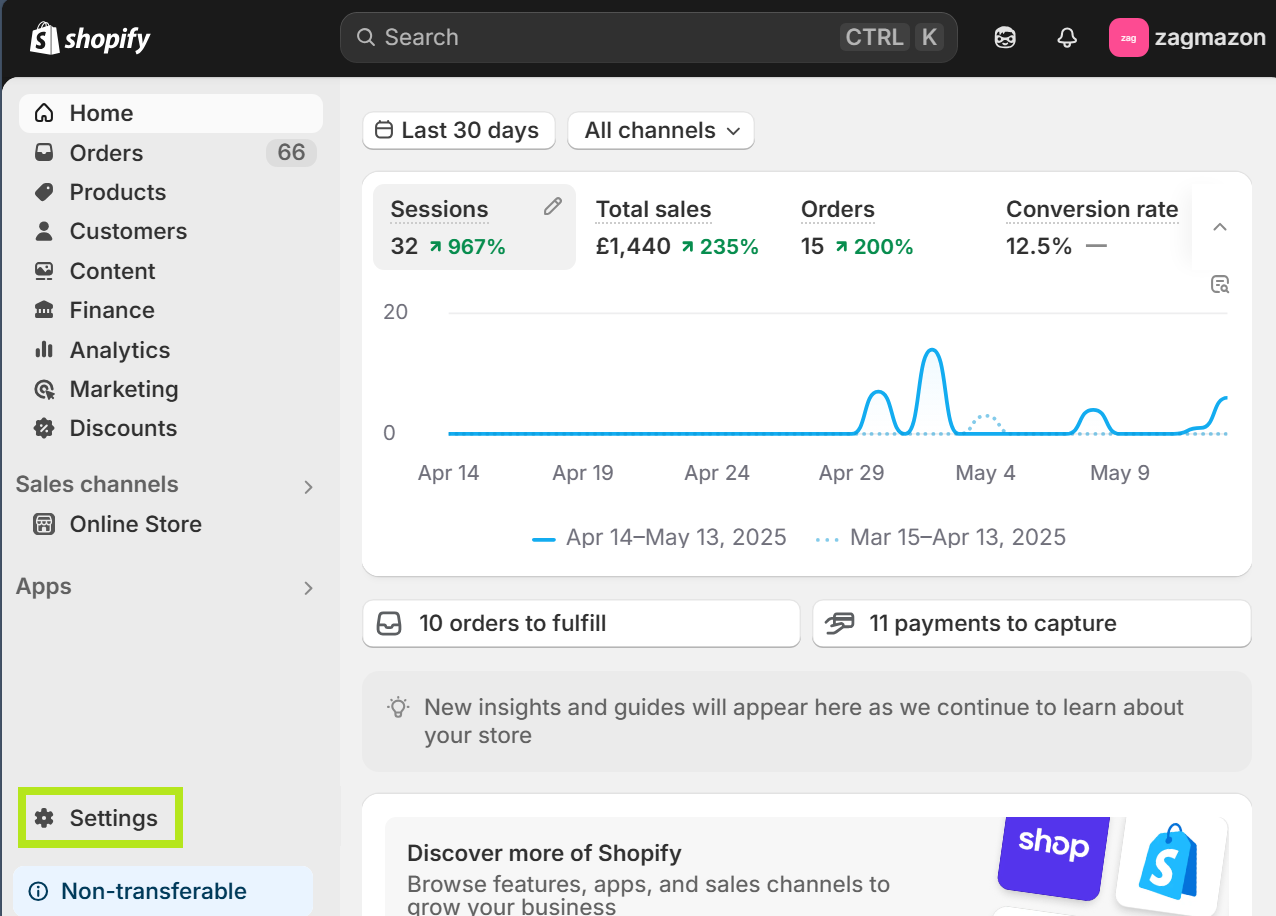
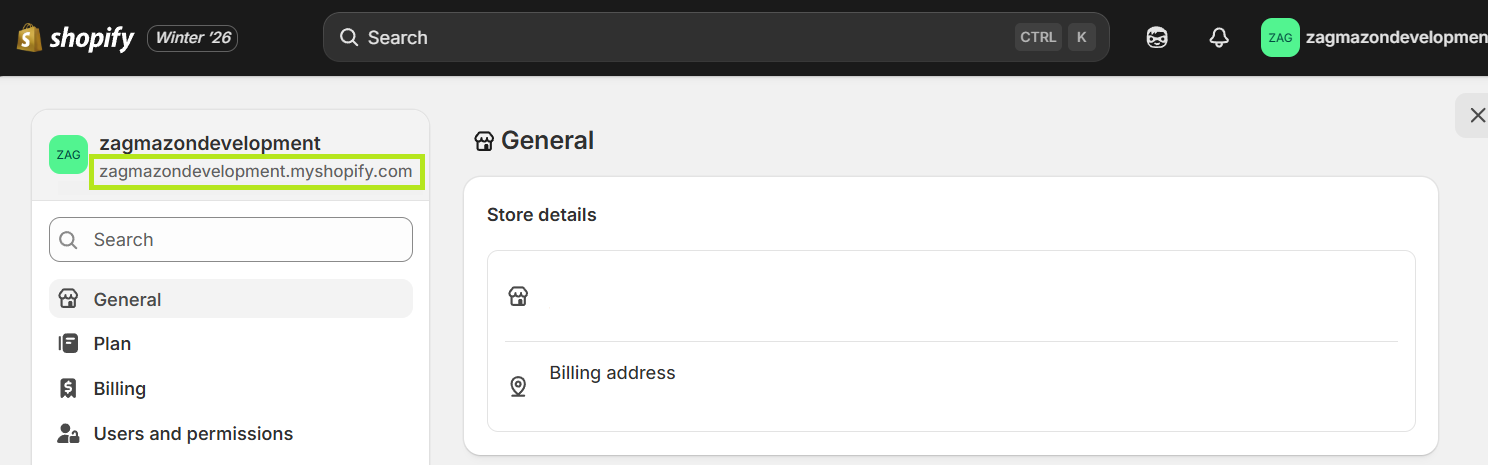
- Take note of your Shopify URL - It is displayed on the top left corner of the screen and has the format *****.myshopify.com - ZigZag will need this URL.
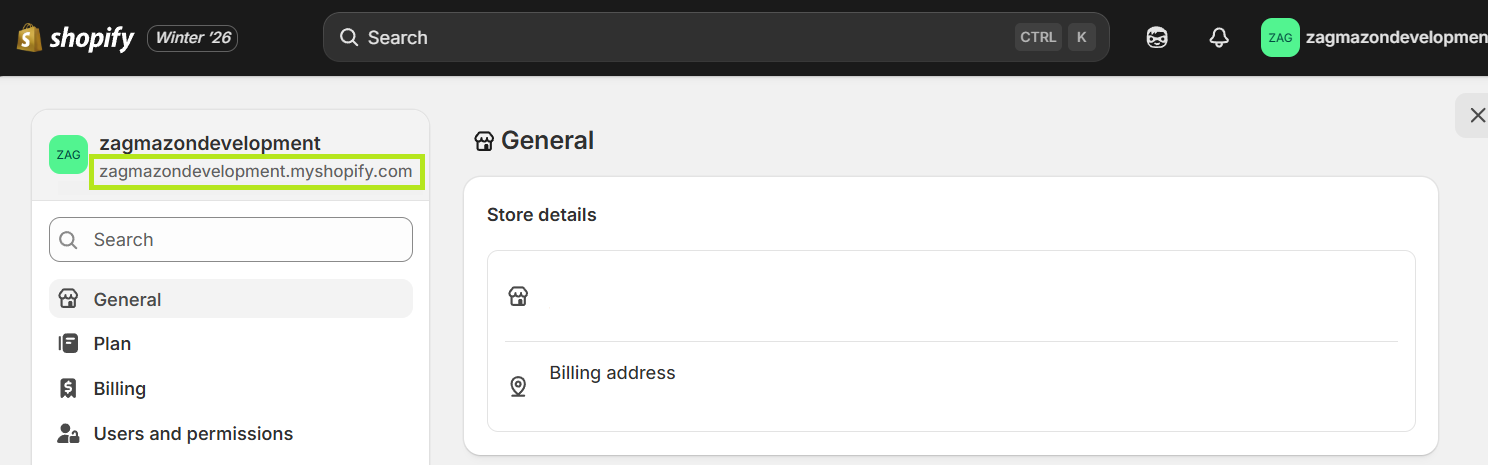
- Send the URL from the previous step to ZigZag
- ZigZag will notify you when your store has been registered in our system
After receiving the notification from ZigZag, you can install the ZigZag Returns & Exchanges app.
To install the ZigZag Returns & Exchanges app follow the steps:
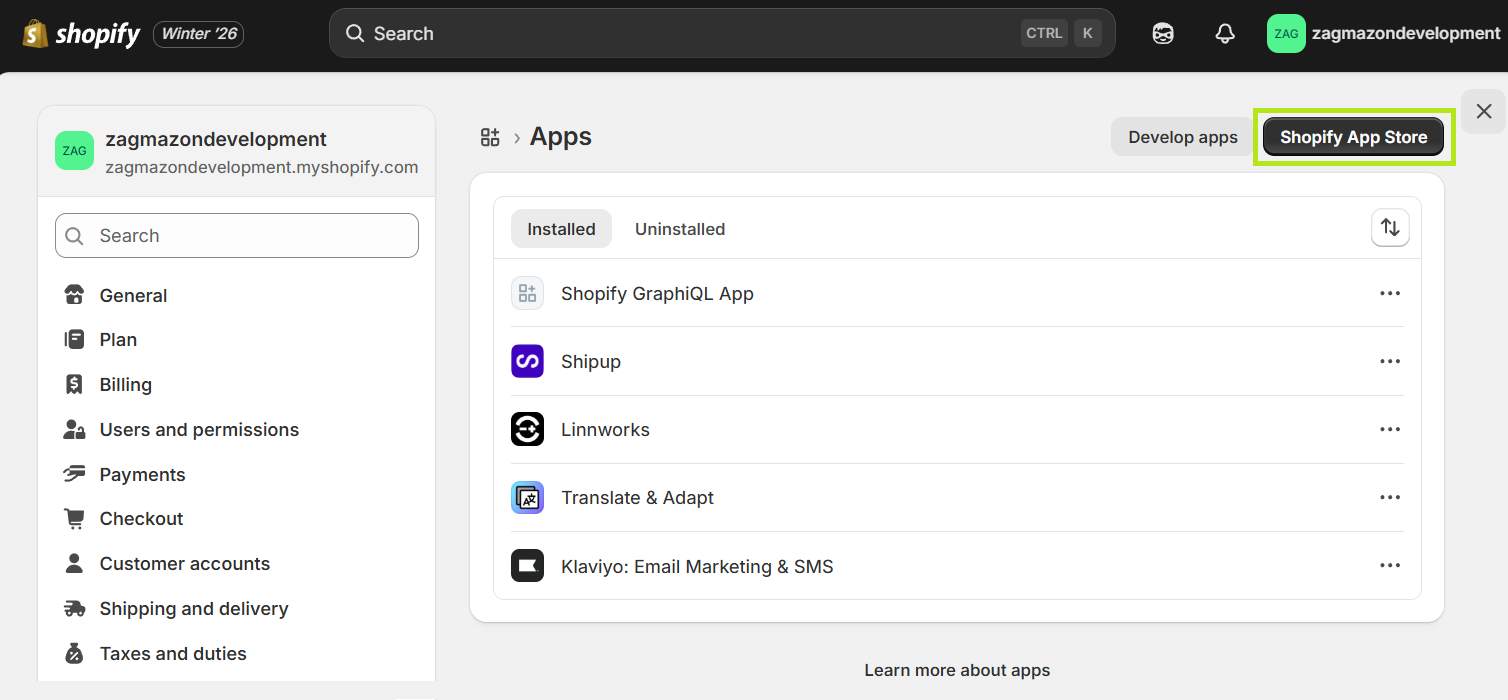
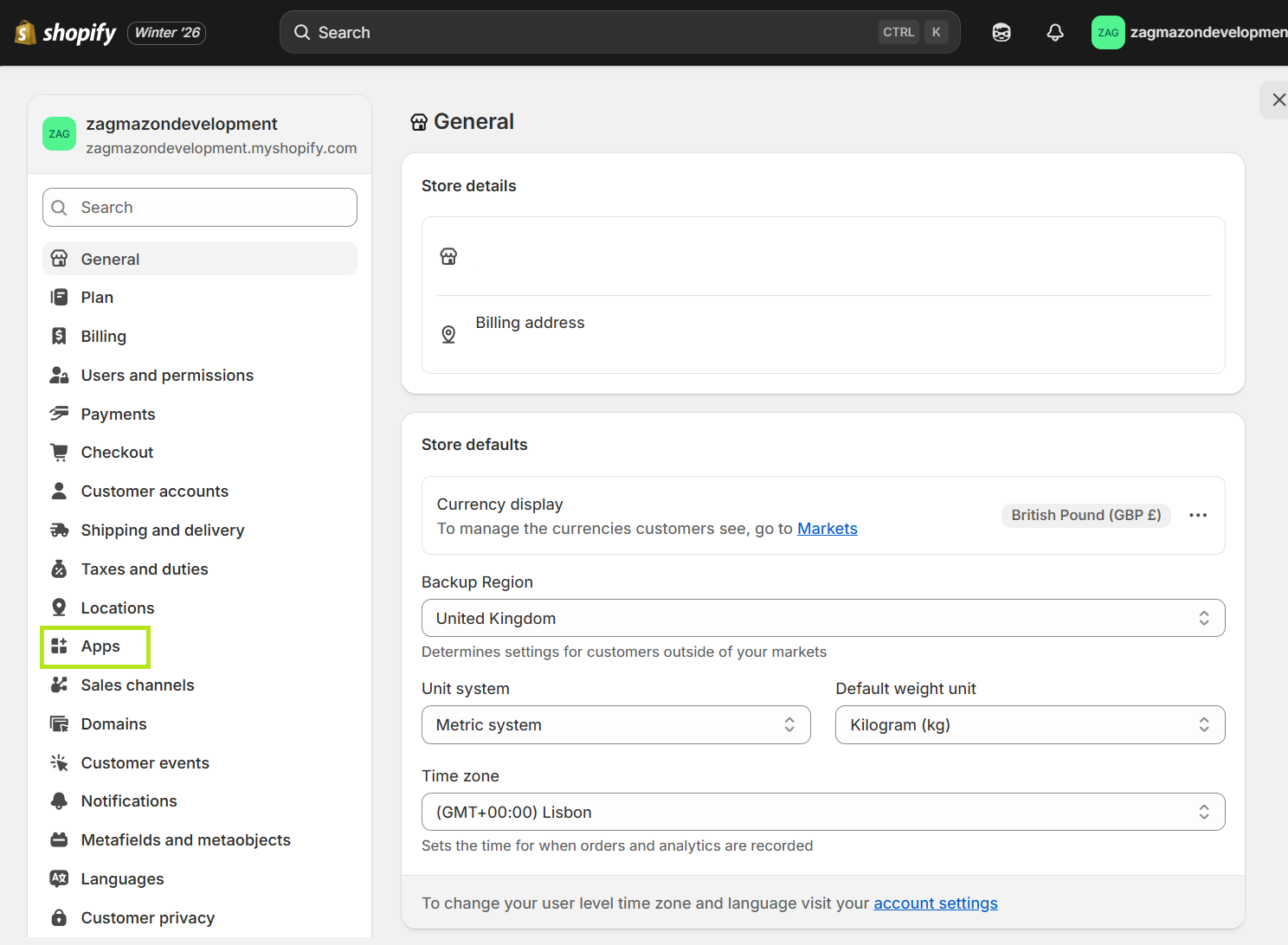
- Select the Apps tab to see the current list of installed apps.
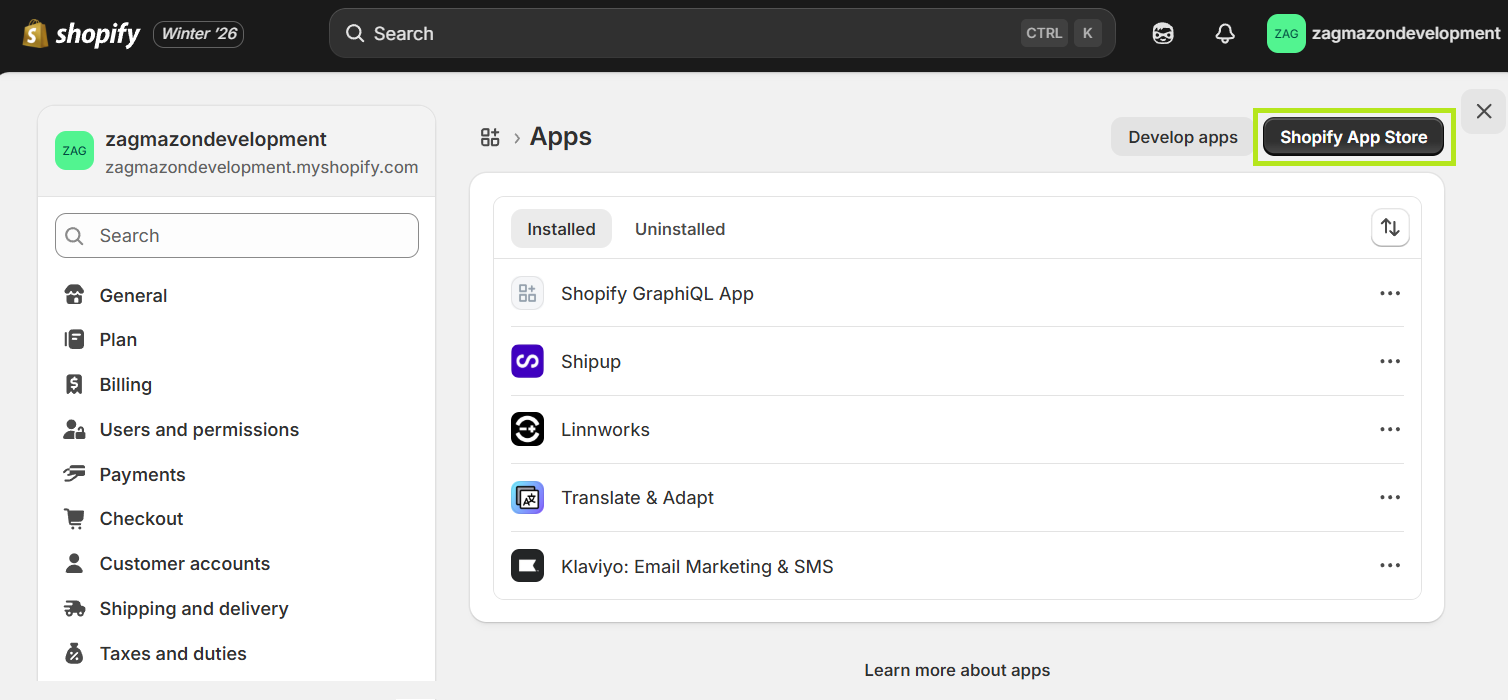
- Click the Shopify App Store button.
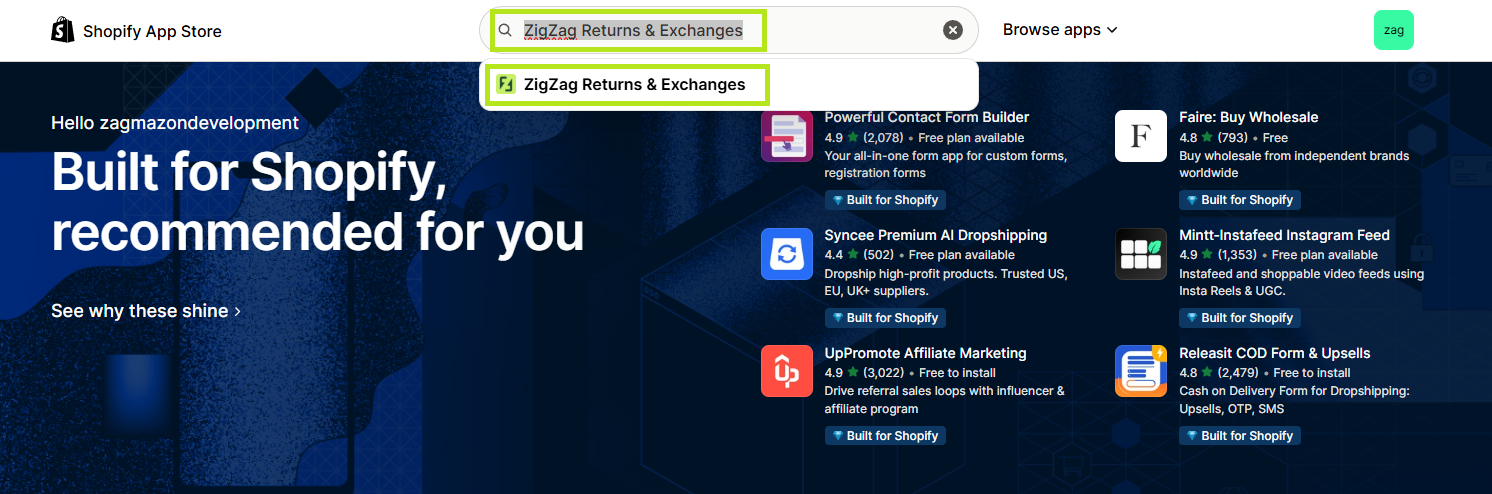
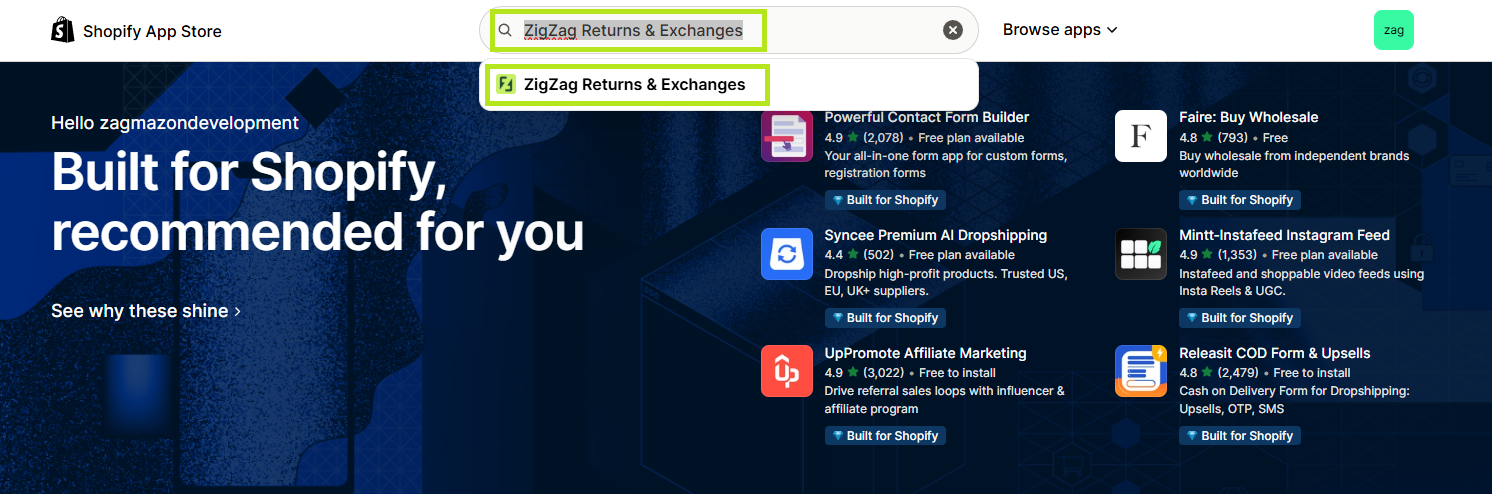
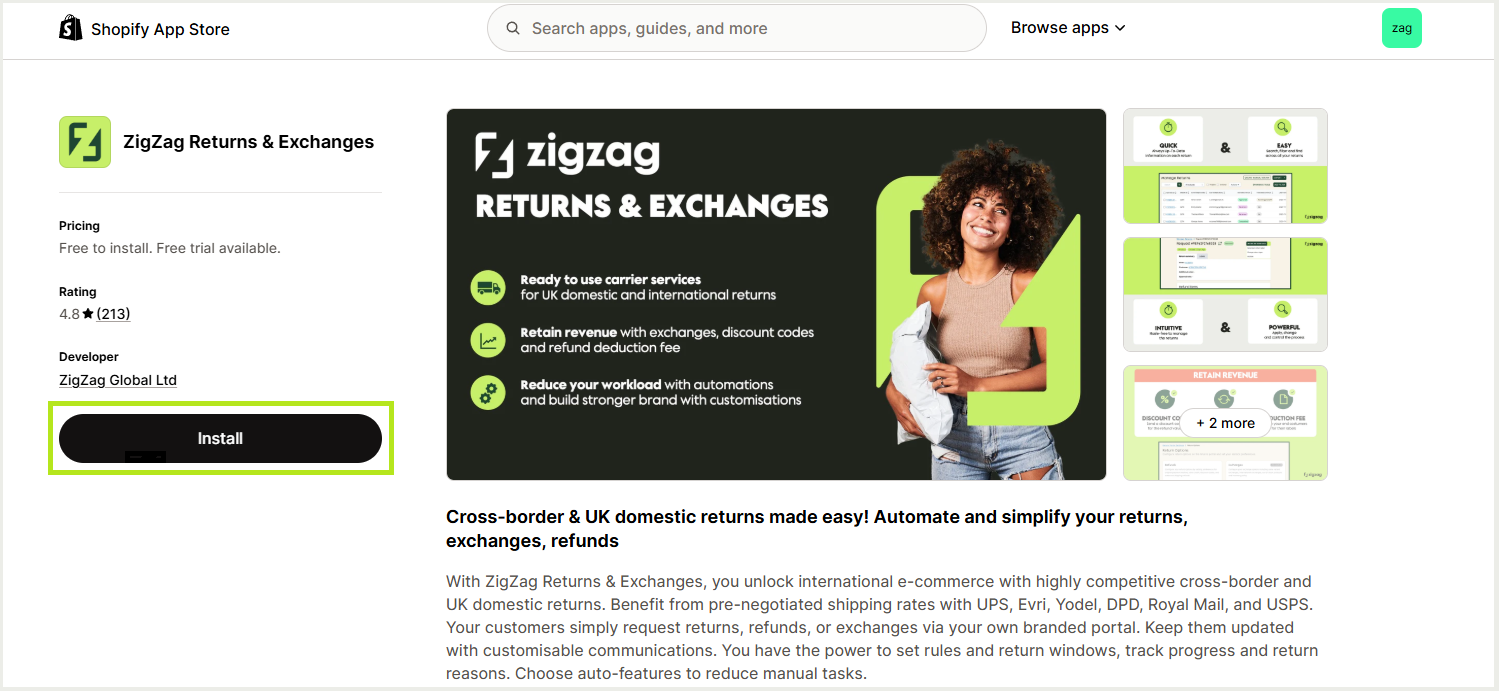
- Search for ZigZag Returns & Exchanges and click the search result.
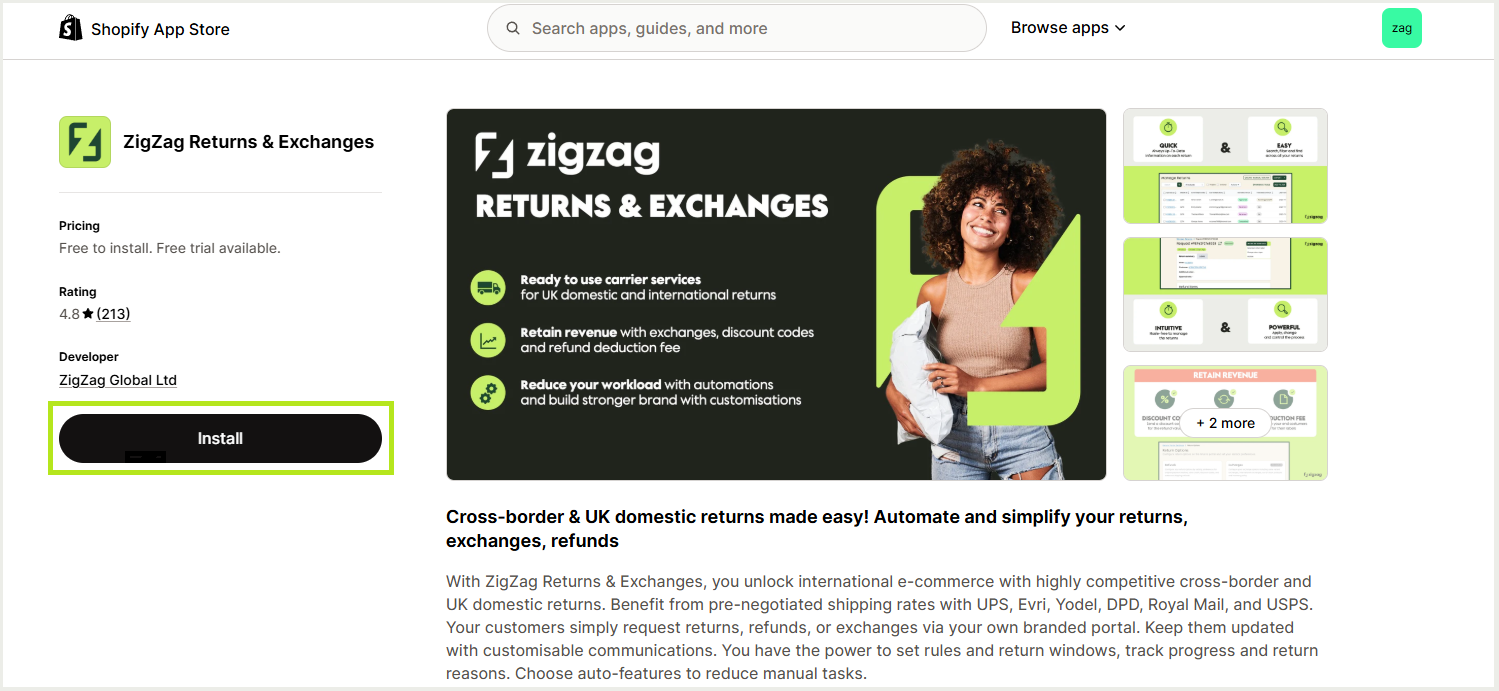
- Click the Install button.
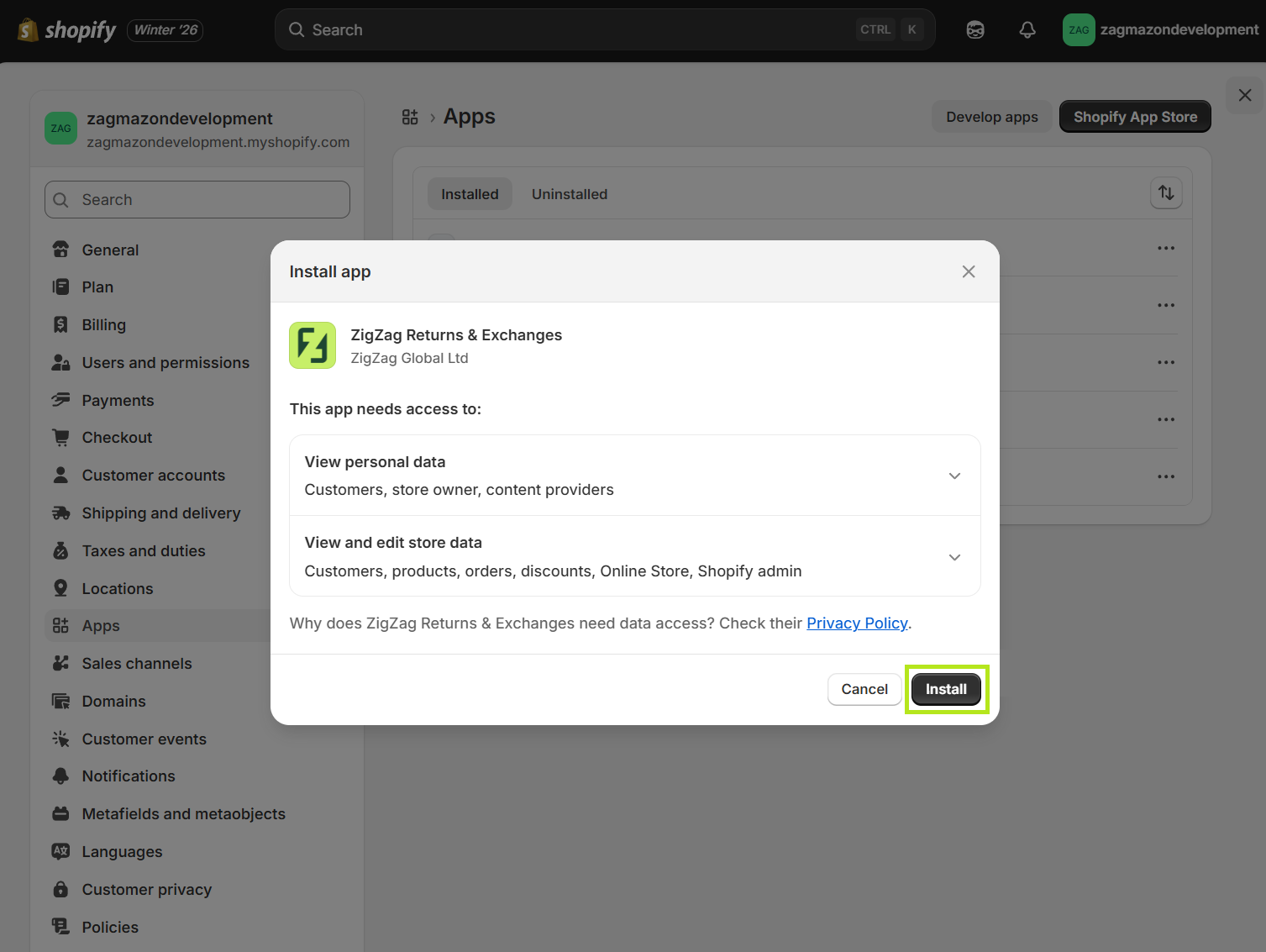
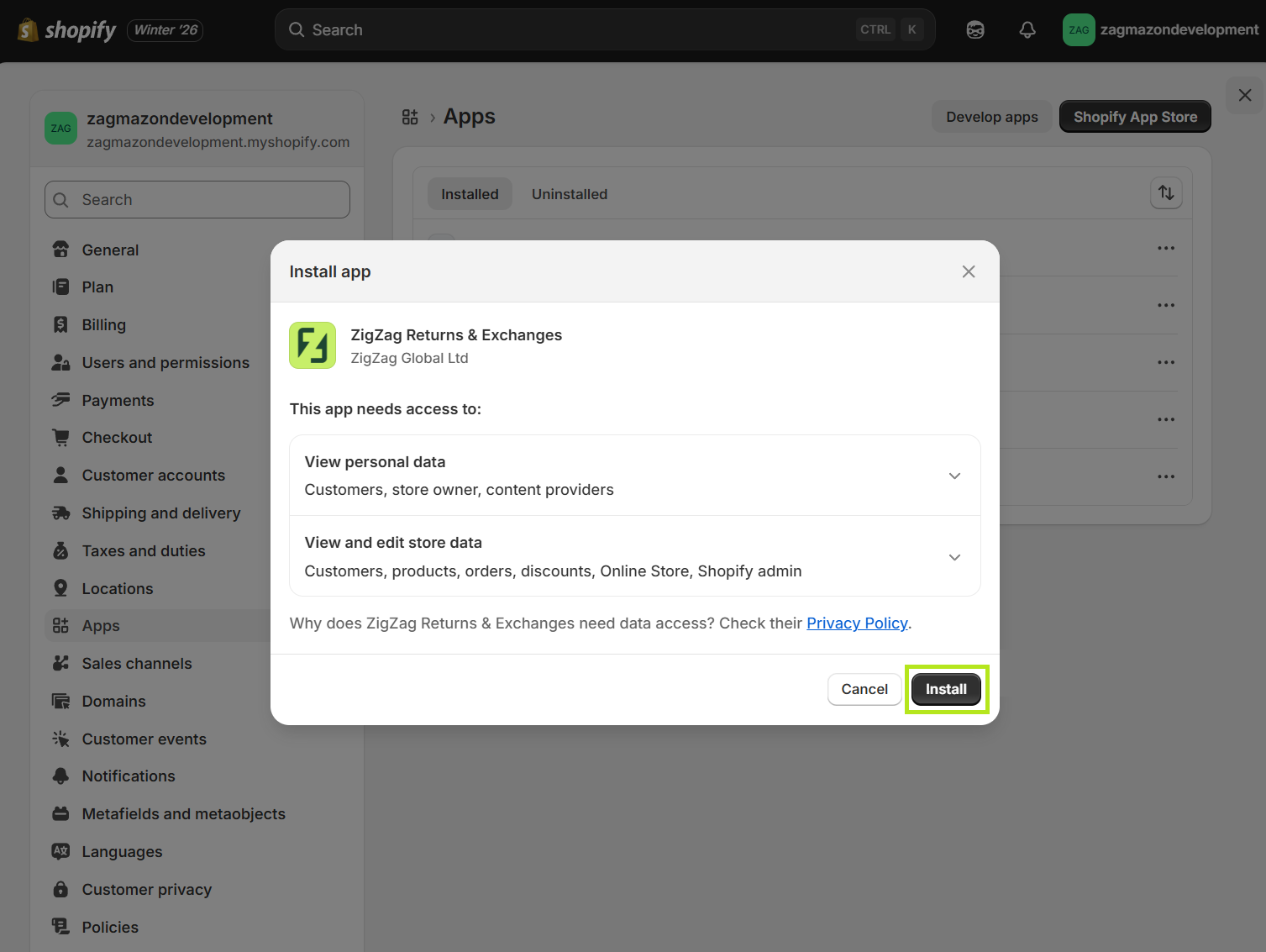
- You will be redirected back to your Shopify admin dashboard and a prompt will appear to install the ZigZag app. Click the Install button.
You will now see the ZigZag app loading. Once it loads you will see the the following page:
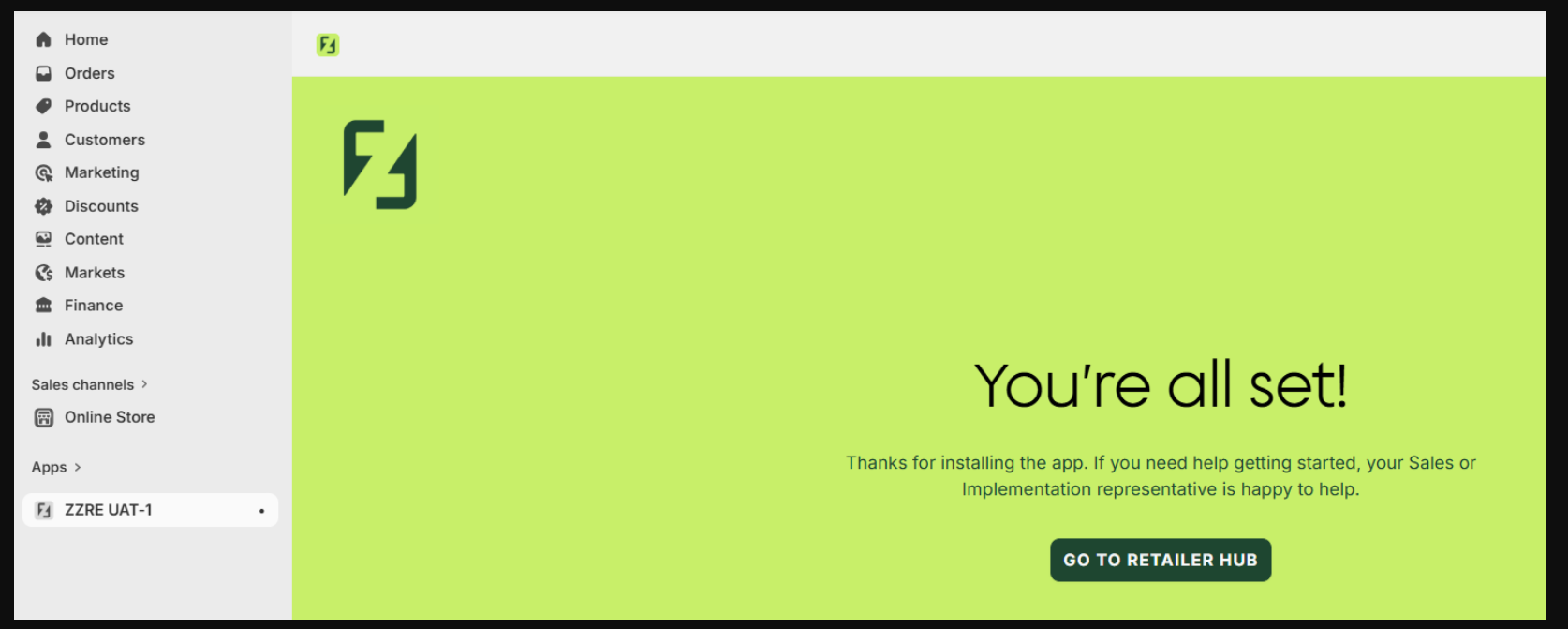
You do not need to perform any further action as you are already a ZigZag customer.
You can now safely close the page and contact ZigZag saying you have finished the installation of the ZigZag Shopify application. Your contact at ZigZag will now guide you through the rest of the implementation.